6
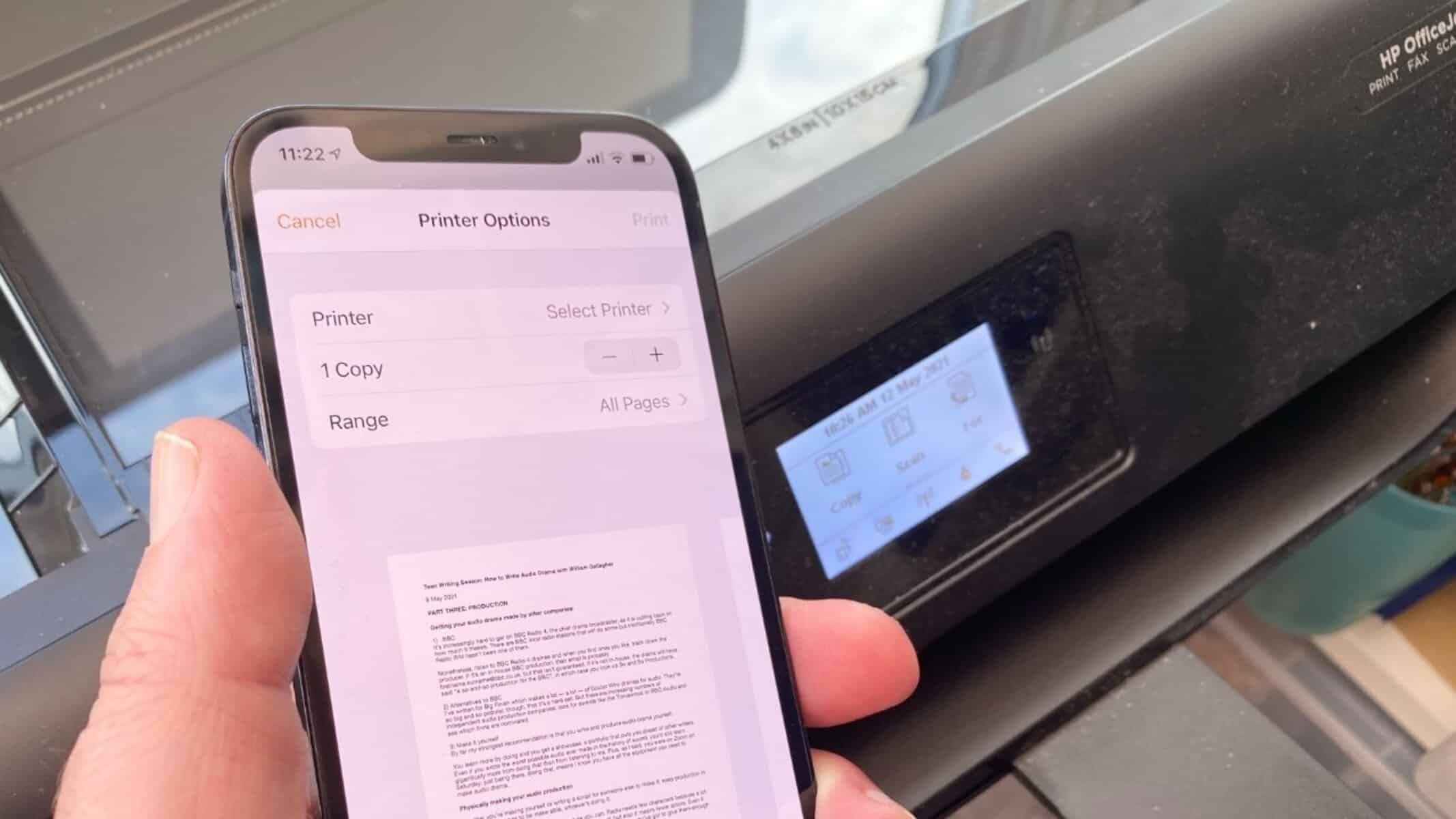
If you want to send documents from your iOS device to your Epson printer for printing, AirPrint makes it effortless. In this article, we’ll show you how to set up and use this feature.
Using AirPrint with an Epson printer
- If your Epson printer supports AirPrint, you don’t even need to set up the feature. In the following practical tip, we’ll show you how to use AirPrint with an Epson printer.
- Some older and slightly cheaper Epson models do not support AirPrint. That isn’t too much of a problem either. With a little effort, you can retrofit AirPrint for Windows printers.
Epson printers: Printing via the AirPrint app
- Alternatively, you can use Epson’s own AirPrint app. The Epson iPrint app for iOS is available free of charge from the App Store.
- This does not use AirPrint directly, but rather the standard email function. If your Epson printer does not have AirPrint capability, it will usually have the email function.
- If the printer is connected to the internet via LAN or Wi-Fi, you can send documents to the printer via the Epson iPrint app. The email is sent in the background; for you, the service works exactly the same as AirPrint.
