3
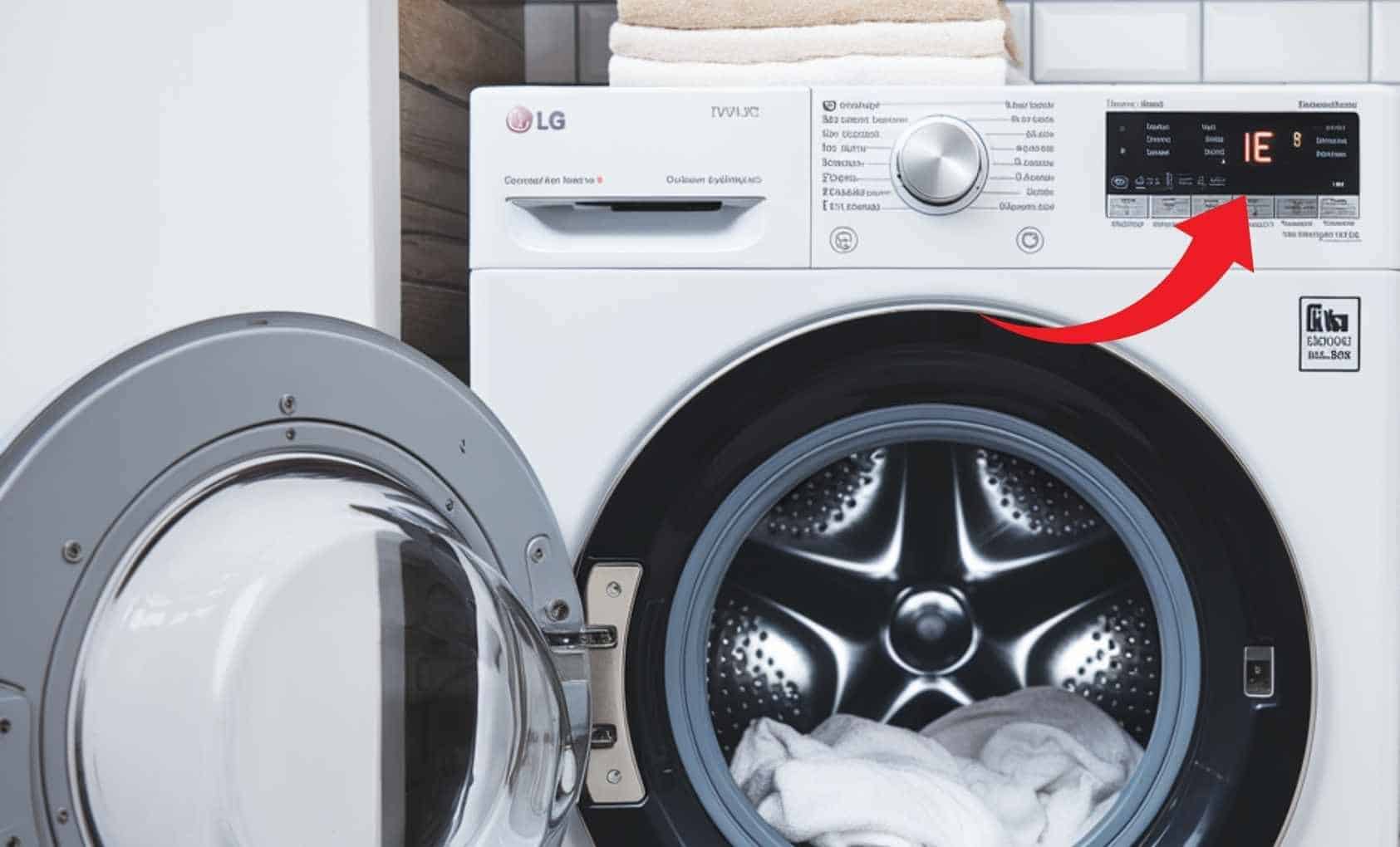
If your LG washing machine displays error code IE, this means that the required water level for the wash could not be reached within the first four minutes. To resolve the error, you need to identify the cause of the fault.
Error code IE on an LG washing machine: How to fix it
If your LG washing machine displays the error code IE, this may be due to a kinked or incorrectly fitted drain hose, a dirty or limescale-clogged filter in the inlet hose, or a problem with the mains water supply.
- It is important for the proper functioning of your LG washing machine that the drain hose is installed correctly. If this drain hose is not positioned high enough, this can quickly lead to the error code IE. The hose should run higher than the drum and must not be kinked. Both of these issues prevent water from draining properly.
- The domestic water supply pipe may also be the cause of the error code. Check the pressure in the pipe by disconnecting the hose from the pipe and placing a bucket under the domestic water supply pipe. Now turn on the water and check whether and how much water is coming out of the pipe.
- LG washing machines often have a filter located between the tap and the inlet hose at the rear. If this is clogged with limescale, lint or similar debris, not enough water will reach the machine, resulting in error code IE.
You should therefore clean and descale the filter and your washing machine regularly.
- The Aquastop may also be faulty. This is a kind of safety feature for the machine and is activated if water leaks unintentionally or the water supply is interrupted. However, if it is faulty, it will stop the water supply for no reason and error code IE will appear.