0
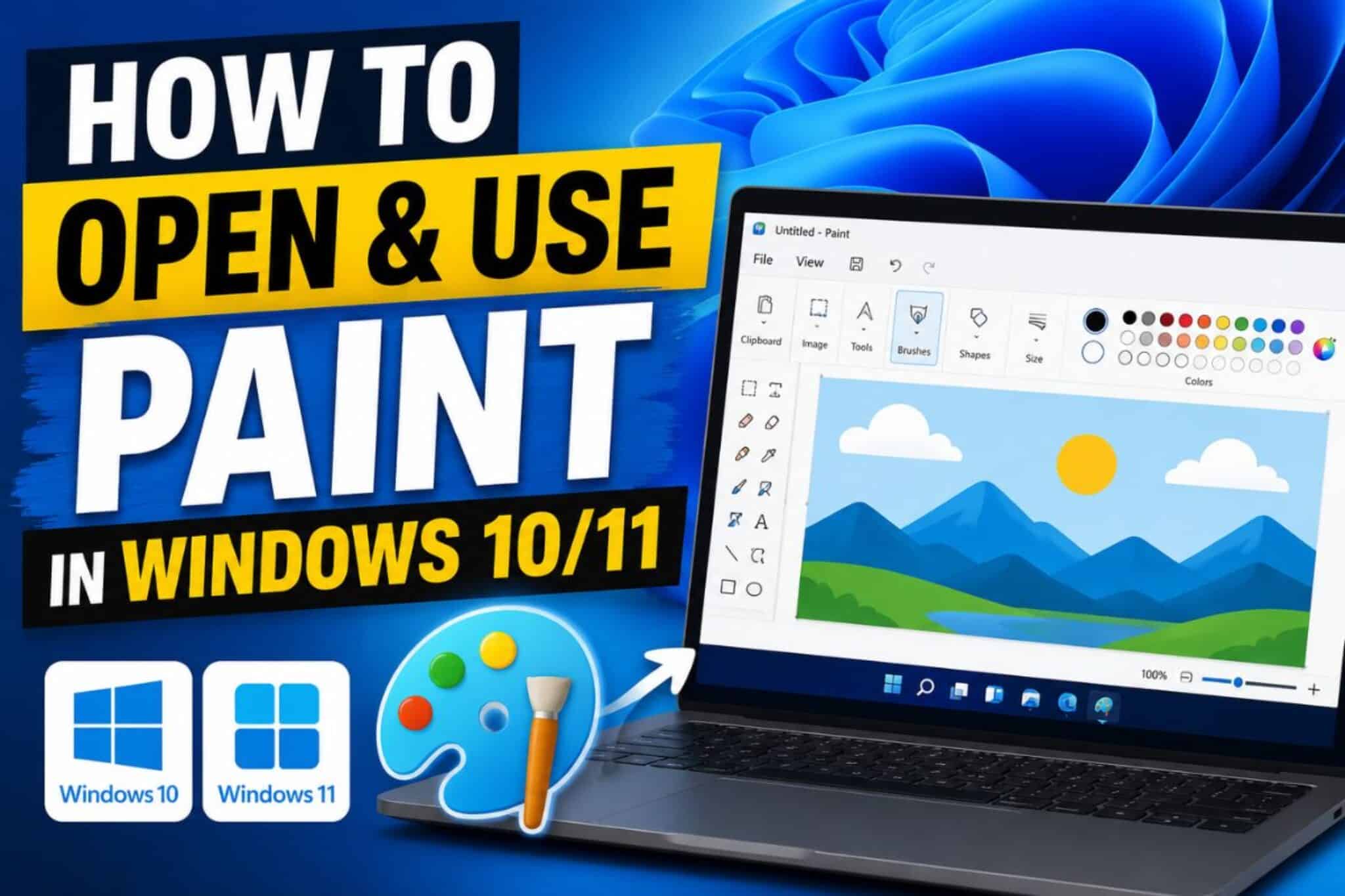
Microsoft Paint is also available in Windows 10. In this article, we’ll show you how to open this pre-installed programme.
Opening Paint in Windows 10
The quickest way to open the image-editing programme is to type ‘Paint’ into the Windows Search box on the taskbar. Unlike in Windows 8, however, you can also access the tool via the Start menu:
- To do this, click the Windows icon in the bottom-left corner and select the “All apps” option.
- Under the letter “W”, you’ll find the “Windows Accessories” folder.
- In the new menu, click on “Paint” to launch the tool.
- Alternatively, press [Windows] + [R] and type “mspaint”.