171
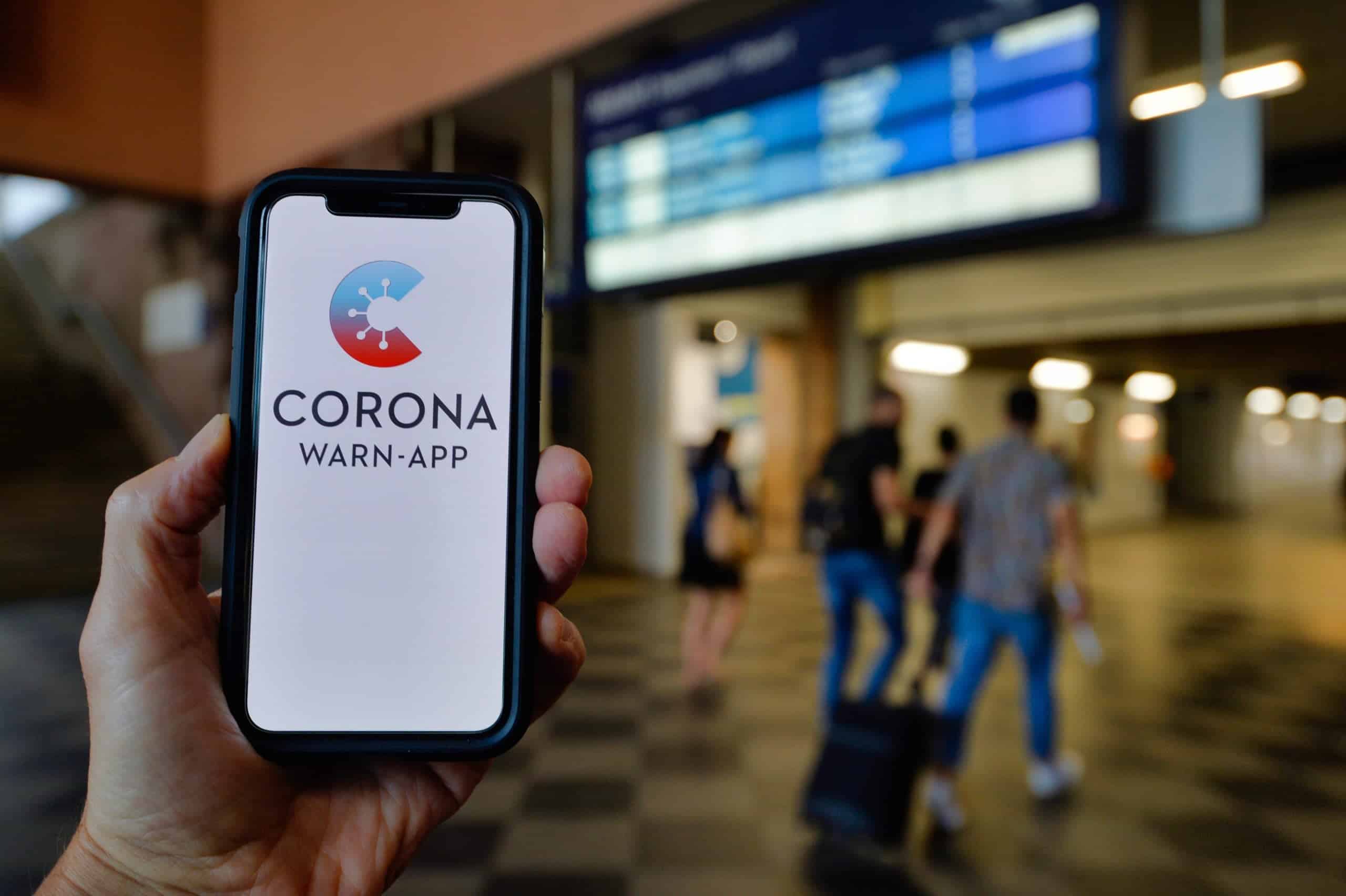
You can delete the Corona Warning App. If you no longer need it, uninstall it via Settings.
How to delete the Corona Warning App: Instructions
If you want to delete the Corona Warning App, follow these steps:
- Delete the app: Open the app. On the main screen, navigate to “Settings.” Go to “Reset App > Delete all your data in the app.” Confirm by tapping “Reset App.”
- Delete Certificate: If you have a certificate saved in the app, you must delete it before uninstalling. To do this, go to the certificate. Tap “Delete Vaccination Certificate”. In the new window, confirm by tapping “Delete Certificate”.
- Scroll down the page and tap “Trash”. Tap “Delete All Permanently”.

Deleting the Corona Warn App on Different Operating Systems
If you’ve ultimately decided to delete the Corona Warn App, follow the same steps as you would for any other app on different operating systems:
- iOS: On your iPhone, simply press and hold your finger on the app icon until it wiggles and an “X” appears in the right corner of the icon. Tap it to delete the app.
- Android: If you’re using an Android device, press and hold the app icon until “Uninstall” appears on your screen. Then drag the app to that option, and it will be removed from your smartphone.
- You can also search for the Corona Warn App under “Apps” and remove it that way.
