6
If you have no sound on Sky, you can often sort out the problem quite easily in just a few simple steps. In this practical tip, we’ll show you what you can do to resolve the sound issue.
No sound on Sky: Here’s what you can do
The following tips will help you quickly resolve an audio output issue with Sky.
- Make sure the Sky receiver’s HDMI cable is properly connected to the TV and is in good condition.
- The connection cable must also be plugged in correctly for sound to be output.
- Switch to a different source on your television (for example, ‘TV’). If you can hear sound from this source, it means there is at least no fault with the set-top box itself.
- You may also have turned the volume on the Sky set-top box right down. Try turning the volume up using the remote control.
- If you notice no response, the batteries in the remote control may be flat. Please replace them.
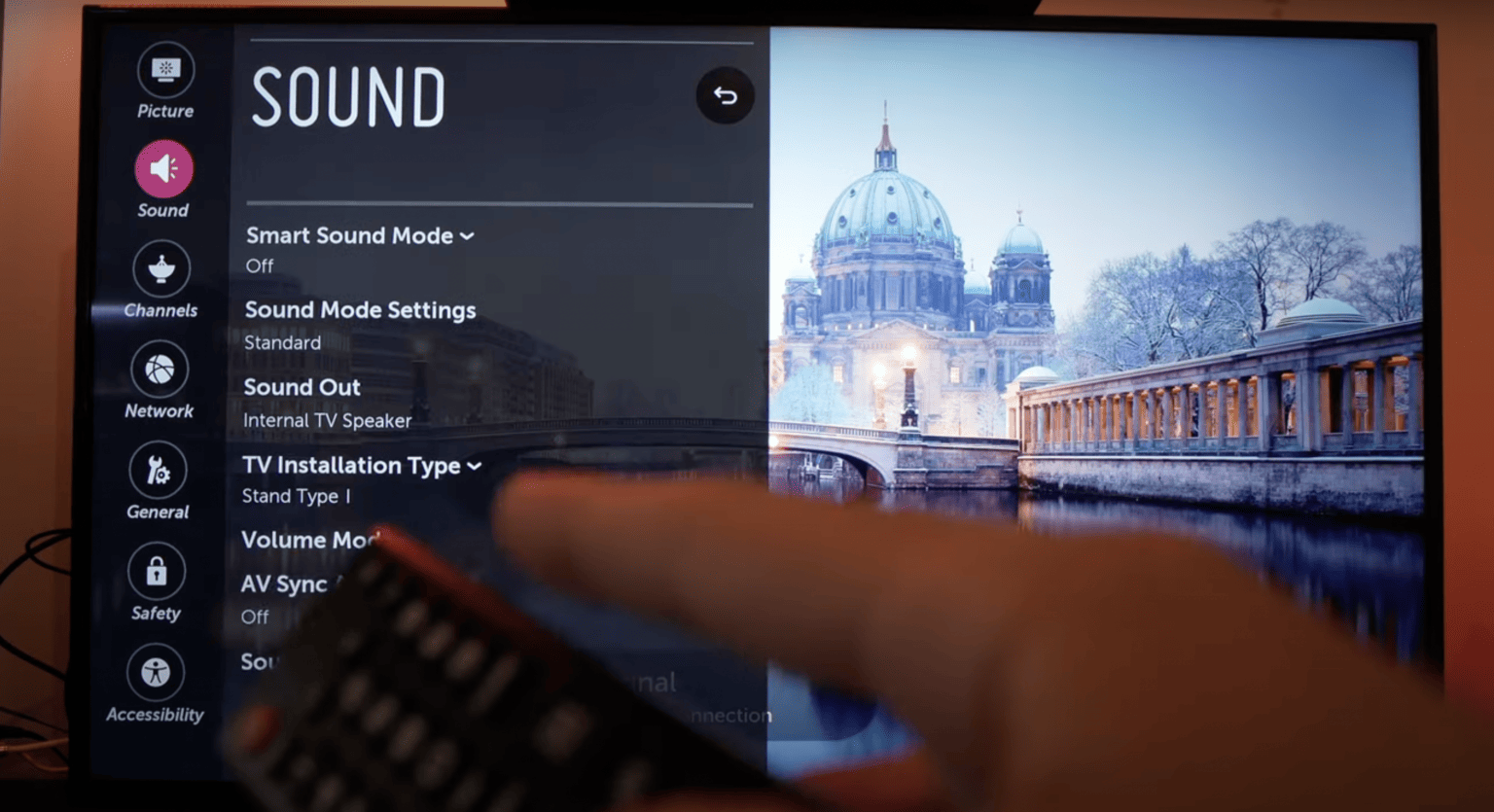
- You’ll find further settings options in your TV’s sound settings.
- It often helps to set the voice output to “German” in the receiver’s menu.
- You’ll also find the “A/V Output” option for audio and video signals under “System” and “Basic Settings” in the menu. Here, the “Dolby Digital HDMI” option must be switched off.
- Check whether a sound system has been connected to the television for audio output. You must select the correct source and, if necessary, switch on the external sound system so that sound can be played back.
- If you continue to experience problems with the sound, please contact Sky Customer Services to discuss how to proceed.

