297
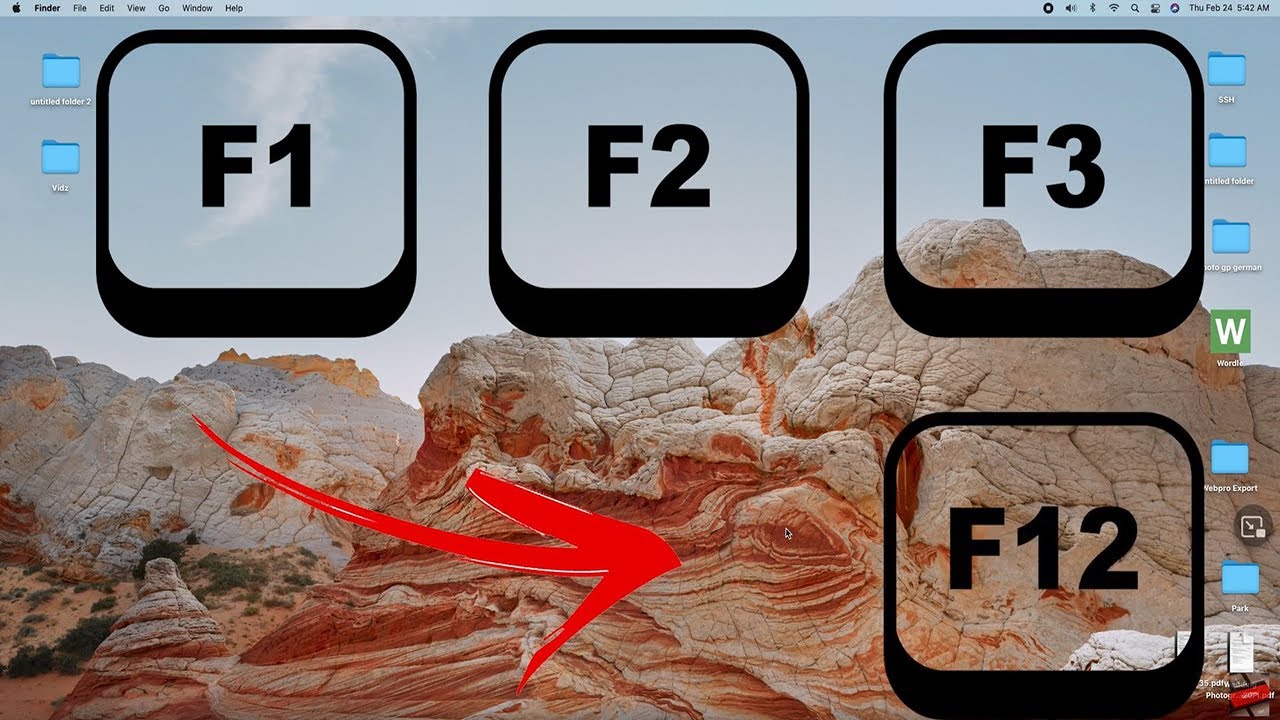
Find out how to enable the F keys on your Mac in this practical tip.
Enable F-keys on Mac OS X
By default, the keys used to adjust brightness and volume are enabled instead of the function keys. Here’s how to change this:
- Open System Preferences by clicking the Apple icon in the top menu bar and selecting ‘System Preferences…’.
- Select the ‘Keyboard’ menu.
- Tick the box next to “Use F1, F2, etc. as standard function keys”.
- If you now want to adjust the screen brightness, press the [Fn] key at the same time as the corresponding F key.