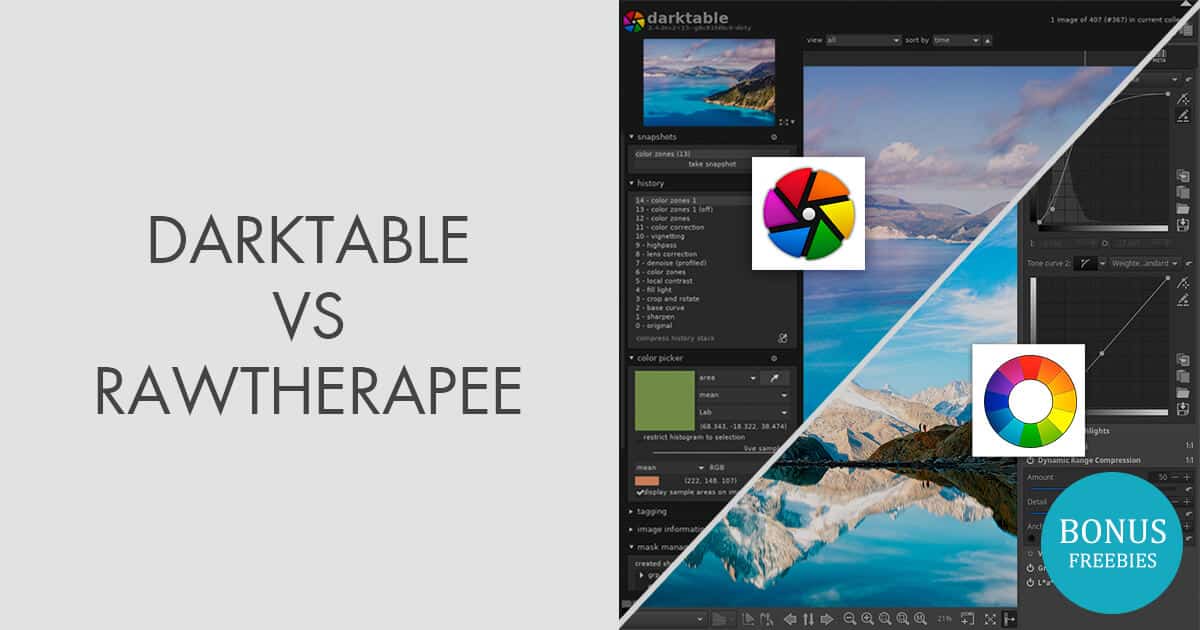
Darktable or RawTherapee: Find out which photo editing software is best suited to your needs. It’s important to compare the features, user-friendliness, extensibility, and performance of both programs.
Introduction to Darktable vs. RawTherapee: What Do the Programs Offer?
- Darktable is open-source photo editing software used primarily by photographers who value non-destructive editing. It offers a wide range of modules for fine-tuning images, such as exposure, contrast, and color management.
- RawTherapee, on the other hand, is known for its powerful RAW processing. The software supports a wide range of camera formats and offers detailed tools for optimizing colors and details, which is particularly advantageous for RAW images.
- Both programs are available across multiple platforms, making them attractive to users of Windows, macOS, and Linux. While Darktable stands out for its intuitive user interface, RawTherapee distinguishes itself with its extensive customization options.
- A major advantage of both programs is that they are free, making them particularly attractive to amateur photographers who want to use professional tools without a significant financial investment.
Advanced Editing Features: Darktable vs. RawTherapee in Detail
In addition to the basic functions, advanced editing options play an important role in choosing between Darktable and RawTherapee. Here, we’ll look at how both programs enable advanced editing.
- Darktable offers a wide range of specialized modules that allow for detailed adjustments. Particularly noteworthy are its noise reduction and sharpening features, which can deliver impressive results with just a few clicks.
- RawTherapee stands out for its unique wavelet transformation technology, which allows you to edit image details on multiple levels. This feature is particularly useful for extracting finely tuned details without affecting the entire image.
- Both programs support color profile editing, but Darktable offers additional options for creating custom profiles that can be tailored specifically to the user’s workflow.
- Another highlight of RawTherapee is the ability to apply multiple instances of a tool, which allows for even more precise control over the editing process. This enables users to experiment with different approaches and achieve the best results.

Usability Comparison: Which Software Is Easier to Use?
For many users, usability is a decisive factor when choosing photo editing software. In this section, we examine how Darktable and RawTherapee compare in terms of simplicity and accessibility.
- Darktable offers a clearly structured user interface that makes it easy even for beginners to find their way around quickly. The modules are arranged logically and allow for intuitive navigation through the entire editing process.
- In contrast, RawTherapee can seem overwhelming to newcomers at first, as it offers a wide variety of tools and settings. However, the comprehensive documentation allows users to quickly get up to speed and take full advantage of the software’s capabilities.
- Another advantage of Darktable is the ability to configure hotkeys, which significantly speeds up the workflow. This feature is particularly useful for experienced users who want to boost their productivity.
- While both programs offer tutorials and community support, Darktable stands out for its more active online community, which regularly shares tips and tricks to help users get the most out of the software.
Performance and Efficiency: Which Program Offers More?
A software’s performance often depends on its ability to efficiently process large amounts of data. Here, we compare the performance of Darktable and RawTherapee when handling high-resolution images.
- Darktable is known for its fast processing speed, even with large image files. Thanks to its effective memory management and support for OpenCL, it can utilize the GPU to further accelerate editing.
- RawTherapee requires more processing power due to its complex algorithms, which can result in longer processing times. However, it offers the option to adjust the priority of processing settings to optimize performance.
- Another factor that affects performance is support for multi-core processors. Both programs benefit from this, but Darktable demonstrates better scalability, resulting in a smoother overall user experience.
- Darktable also proves superior when batch processing large numbers of images. Its ability to edit multiple images simultaneously saves time and ensures that projects can be completed more quickly.