416
Once you have bought a new TV, you first need to set it up. Then you can watch your favorite series and movies without any problems. Setting up your TV starts with choosing where to put it in the room and ends with the technical setup.
Setting up your TV: Start by choosing where to put it
Before you buy a TV, you should think carefully about where you want to put it. Then you can decide what size TV you need.
- Choose a location for your new TV that is not in direct sunlight. The light should not fall directly on the screen, as you will not be able to see anything due to the reflection.
- Also, make sure that you can see the TV well from all seating areas and that you have a good viewing angle. The further away the TV is from the seating, the larger it should be. Make sure you have the right distance.
- Place the TV in a secure position. If you like, you can also hang it on the wall. This saves space, especially in small rooms.

Connecting and setting up your TV
Once you have found a good place for your TV, it’s time to set it up. Always follow the manufacturer’s instructions and the information in the user manual.
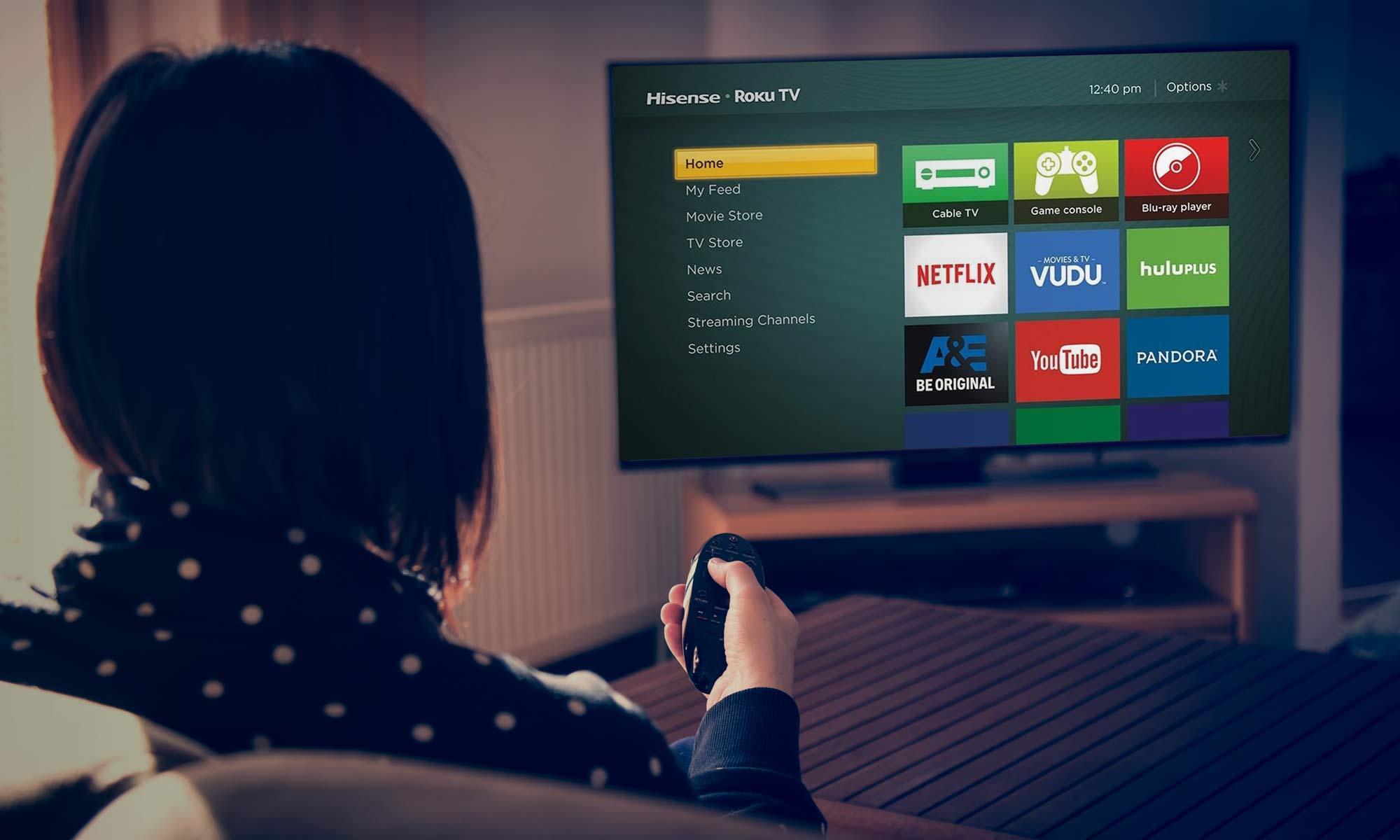
- If you have a smart TV, connect it to the internet as soon as you turn it on. Also, download any updates that are available. Install the apps you need.
- Select the correct reception type. You can usually choose between satellite, cable, and antenna connections.
- Check the device for a firmware update. Then start the channel scan.
- Next, set the picture options for the TV. Also calibrate the device to adjust the picture and sound quality.