368
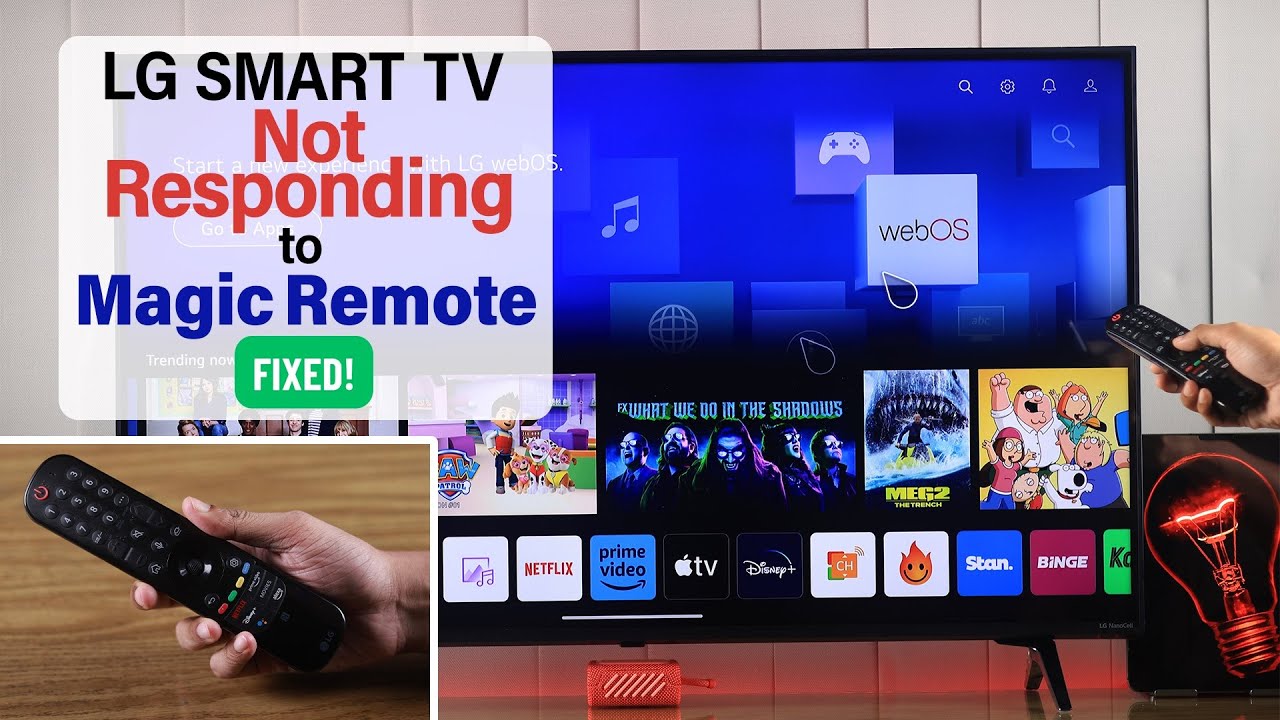
If your LG TV remote control isn’t working properly, you can often fix the problem yourself.
LG TV: TV remote control not working – here’s what you can do
Try the following solutions. Your LG remote control should be working again in no time:
- First, check whether the batteries still have enough power and are inserted the right way.
- To ensure the TV recognizes the remote control , make sure there are no objects in front of the TV that could block the sensor.
- Other remote controls can often interfere with the signal range. Therefore, make sure there are no other remote controls nearby.
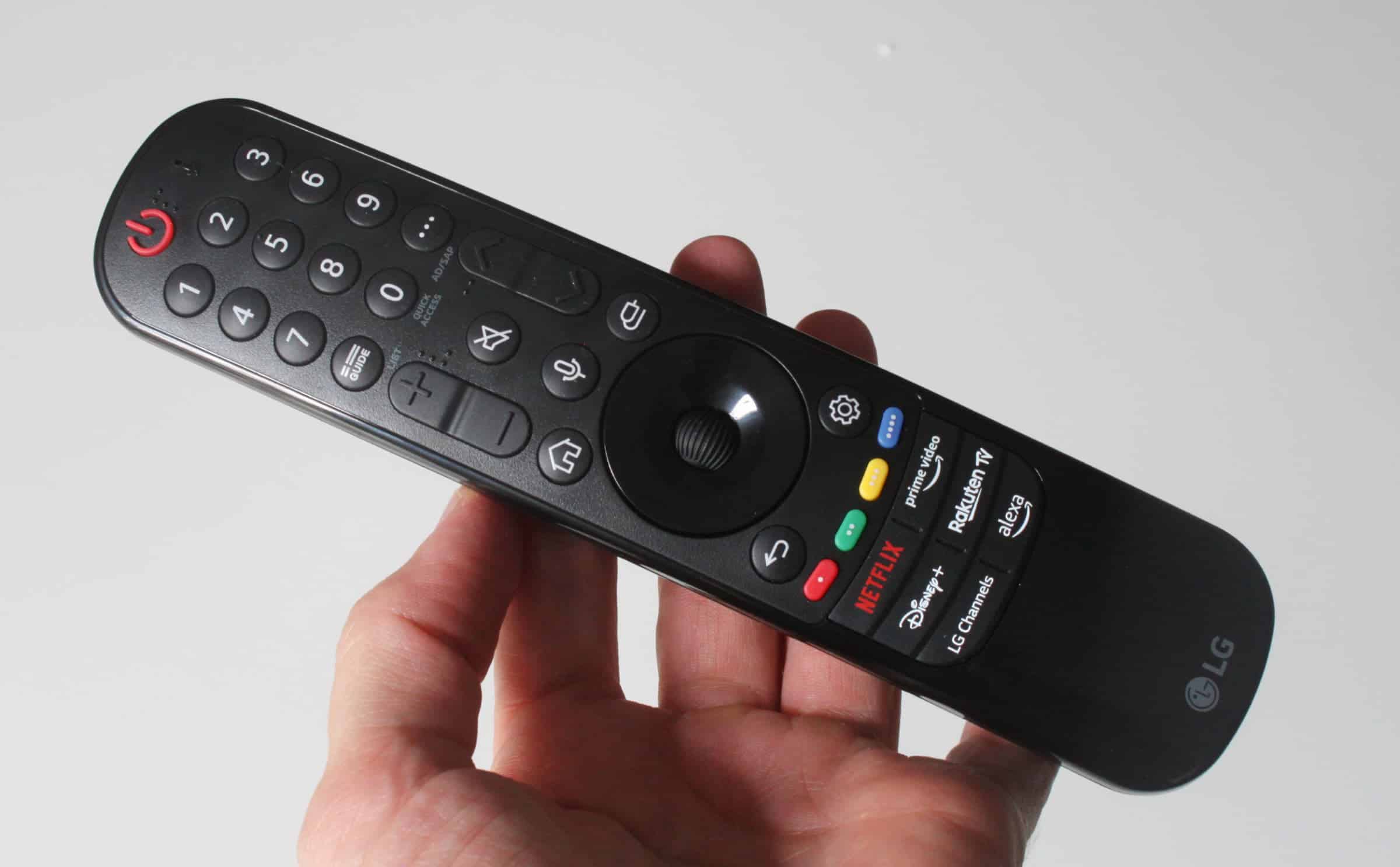
- Reset the remote control. Press and hold the “Back” and “Home” buttons on the remote control simultaneously for at least 5 seconds to reconnect the remote to the TV. For some models, there are specific procedures, such as pressing the “Home” and ‘Back’ buttons simultaneously for 5 seconds, followed by pressing the “Power” button three times. You can find more information in the user manual.
- Sometimes it can help to unplug the LG TV from the power source for about 10 seconds and then plug it back in. This often resolves the issue.
- Note that you should not be too far away from the TV when using the remote control.
- Clean the remote control’s contacts and remove any dirt that might be interfering with its function.
- Check if a software update is available for your LG TV, as this can sometimes resolve issues with the remote control.
- If these tips do not resolve the issue, there may be a more serious defect. Check whether your TV is still under warranty and contact the seller or LG directly for repairs.