9
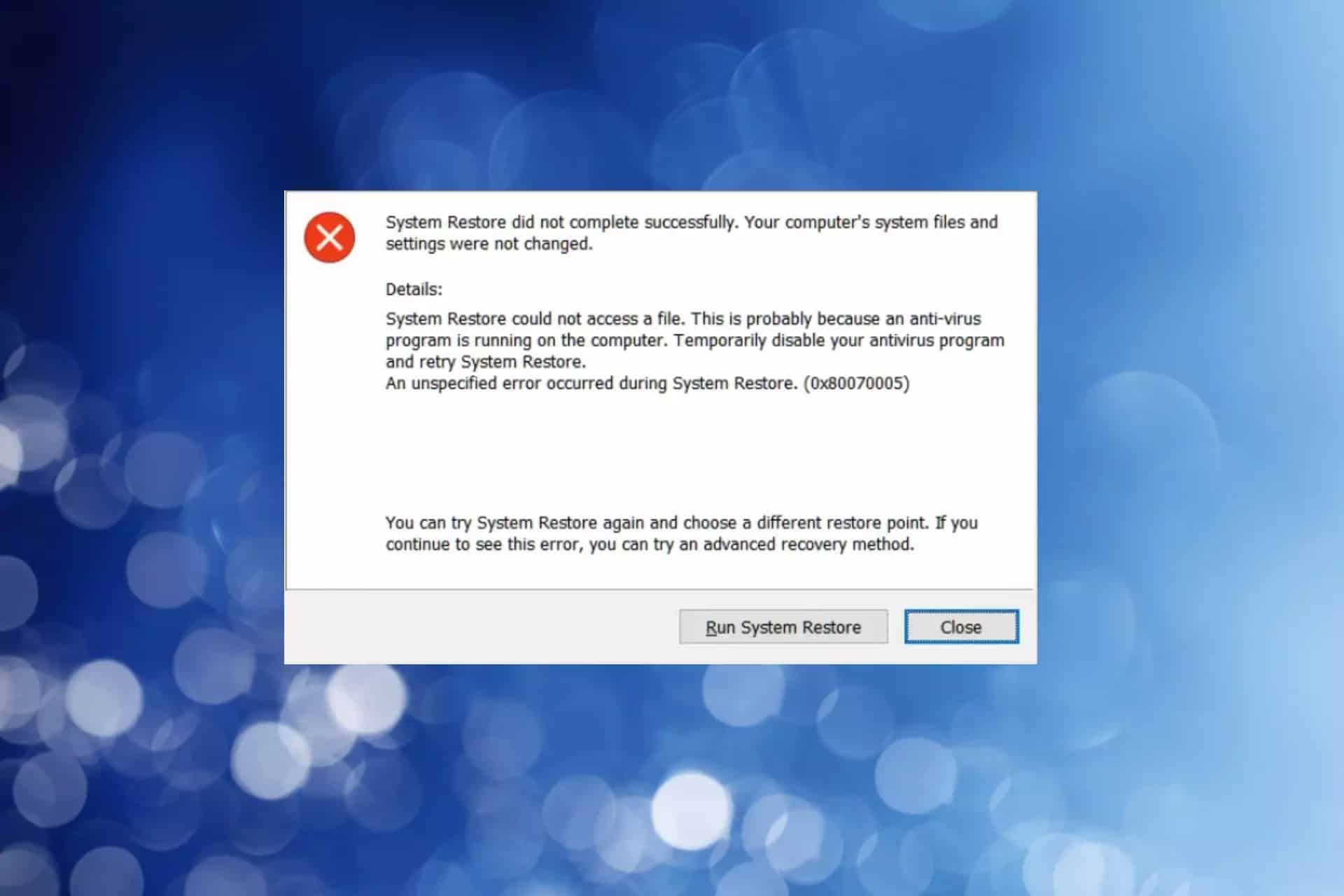
If System Restore isn’t working in Windows, there are several possible causes. To avoid having to completely wipe your system and lose valuable data as a result, we’ll show you how to resolve the issue.
System Restore isn’t working – this might help
- If System Restore didn’t complete properly on the first attempt or was cancelled prematurely, simply try again. In most cases, it will work on the second or third attempt.
- In some cases, the timing of the system restore may also be crucial. If a system restore point is faulty, select an earlier or later point in time and try again.
Windows: Antivirus software prevents system restore
- Antivirus programmes are designed to protect your computer from online attacks. To ensure such protection, the software must be deeply embedded within the system.
- As anti-virus programmes are often missing or no longer work after a system restore, you should disable the software before performing the restore.
- If that doesn’t work either, uninstall the anti-virus programme. You can find detailed instructions in the practical tip ‘Uninstalling Windows programmes’.

Performing a system restore in Safe Mode
- If you start Windows in Safe Mode, only the most essential services and processes are loaded. System Restore is highly likely to succeed in this mode.
- If that doesn’t work either, you can start Windows in an even more minimal mode. Ideally, you will need the Windows installation DVD for this.
How to avoid problems with Windows System Restore
- System Restore in Windows is not only prone to errors, but also deletes the restore points after a certain period of time. It is therefore often not possible to revert to the earliest possible point in time.
- If you wish to avoid problems with System Restore in future, you can use alternative backup software. With the free programmes Paragon Backup & Recovery Free and EaseUS Todo Backup Free, you can not only back up and restore your system, but also store the backup externally.
- You can also back up your data quickly and effectively with Genie Timeline Free 2015.