255
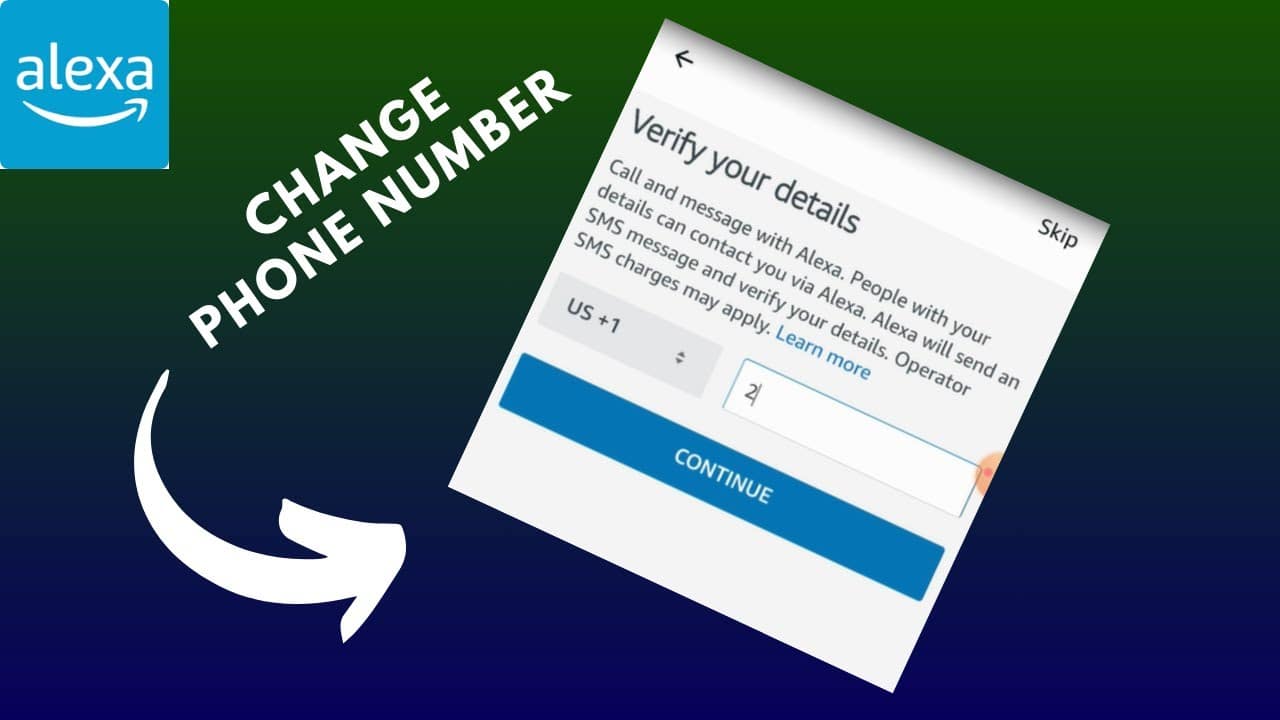
Changing your phone number on Alexa isn’t always easy. There isn’t a specific option in the settings. In this article, we’ll show you how you can change your number anyway.
How to Change Your Phone Number on Alexa
Whether you entered the wrong number or have a completely new one—changing it on Alexa is necessary if you want to make calls via Amazon Echo. The number is verified and linked to the device the very first time you start it up.
- If you want to change the number now, there are several ways to do so. First of all, your Alexa account is the same as your Amazon account. This means the number you’ve on file with Amazon is also stored on the device.
- Therefore, the number can be accessed through your Amazon account and can also be changed there. To do this, go to Amazon.de and select “Sign-in & Security” under “My Account.” In the two-step verification section, you can view and change the number.
- If that doesn’t work, call Amazon Customer Service at 0800 363 84 69. The representatives can help you update any information that needs to be changed. Afterward, you’ll just need to set up the new number.

Why You Should Change Your Phone Number
- On Amazon, this number is part of two-step verification and serves as an additional layer of protection against hackers and other fraudsters. After entering your password, you’ll receive a security code via text message that you’ll need to enter when logging in.
- If you change the number now, you will no longer be able to complete this step. In such a case, customer service can assist you. So if you ever encounter problems with your Amazon account, this is the first place to turn.
- It doesn’t matter whether you’re changing the number because of a new contract or for another reason. You should then update it on Amazon so that your account isn’t locked and Alexa can continue to receive calls.