231
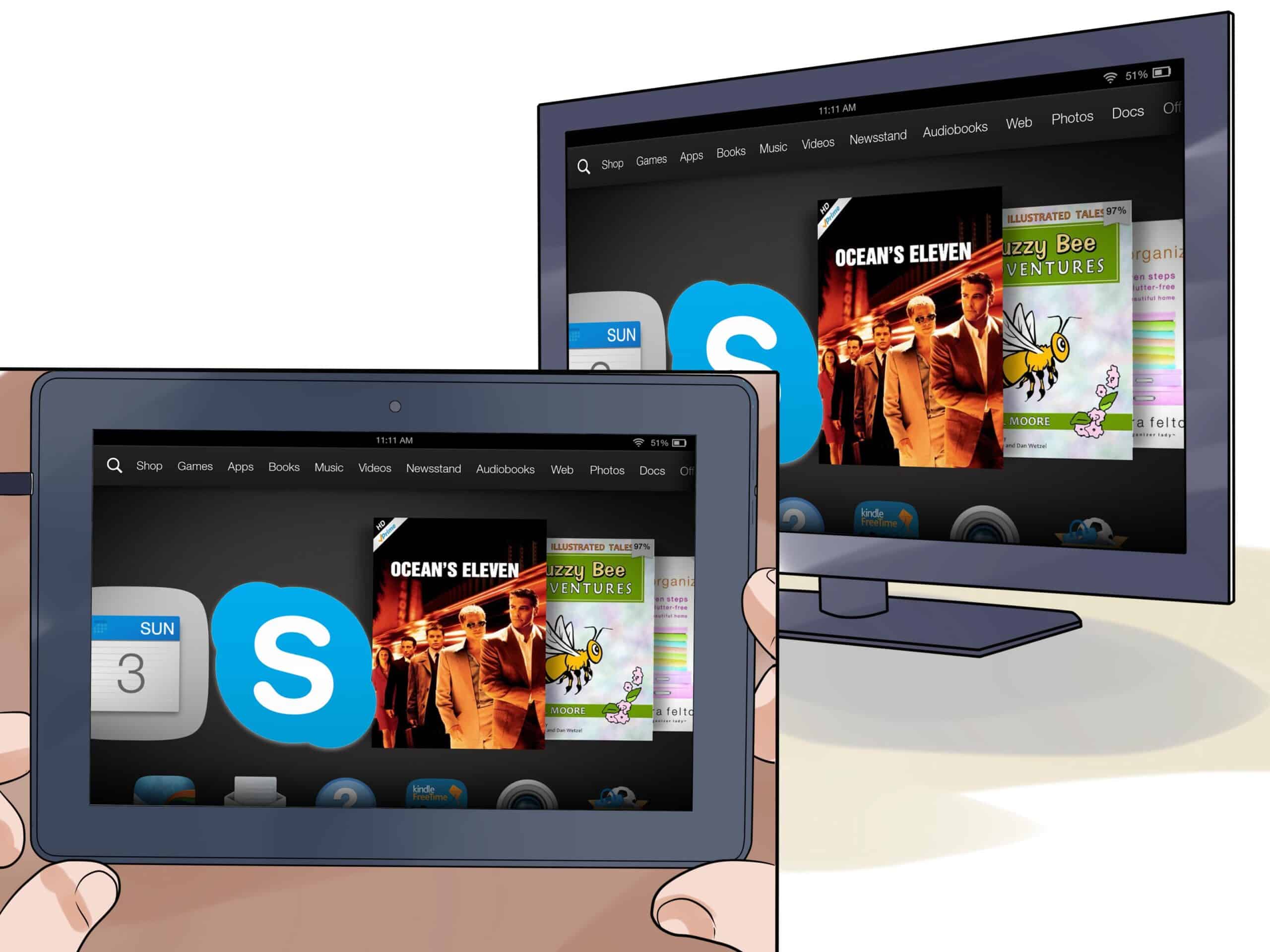
If you want to stream your videos, photos, or the Kindle Fire HD screen to your TV, you’ll need to connect the two devices. We’ll show you how.
Connecting the Kindle Fire HD to a TV
- HDMI: The easiest way to connect is with an HDMI cable, but only the first-generation Fire HD has an HDMI port. For this, you’ll need either an HDMI-to-Micro-HDMI cable or, if you already have an HDMI cable, an HDMI-to-Micro-HDMI adapter. In “Settings,” under the “Sounds and Display” category, you’ll find the “Mirror Display” option. This is the only way to continuously mirror the entire screen.
- Chromecast: If you already own a Chromecast stick, you can also stream content from your Kindle to your TV wirelessly. However, you’ll need to adjust a few settings first. We’ll show you how this works in our practical tip “Using Chromecast with Kindle Fire HD.”
- Apple TV: If you use an Apple TV, you can also stream individual items such as photos and videos. To do this, however, you’ll need the paid app “AppleTV AirPlay Media Player” from the Amazon App Store.