134
Built-in speakers on PCs and laptops are often set to a low volume. In our sound guide, we’ll show you how to turn up the volume and which settings you should pay special attention to.
Increase the volume of your PC speakers
First, check whether the volume controls in Windows are set to the maximum level:
- Start by adjusting the system volume: In the lower-right corner of the taskbar, you’ll find a small speaker icon. Click on it and drag the slider to 100 percent.
- Next, check the volume in your current media player, such as Windows Media Player or Spotify. Almost all of these programs have their own separate volume slider.
- Set this to 100 percent as well and make sure that no “mute” option is enabled anywhere.
- If you have external speakers connected to your PC, check here as well to make sure the cables are properly connected and the volume controls are set to the appropriate level.
- If that doesn’t help, there may be a problem with your sound card. In this case, you should try updating the corresponding drivers.
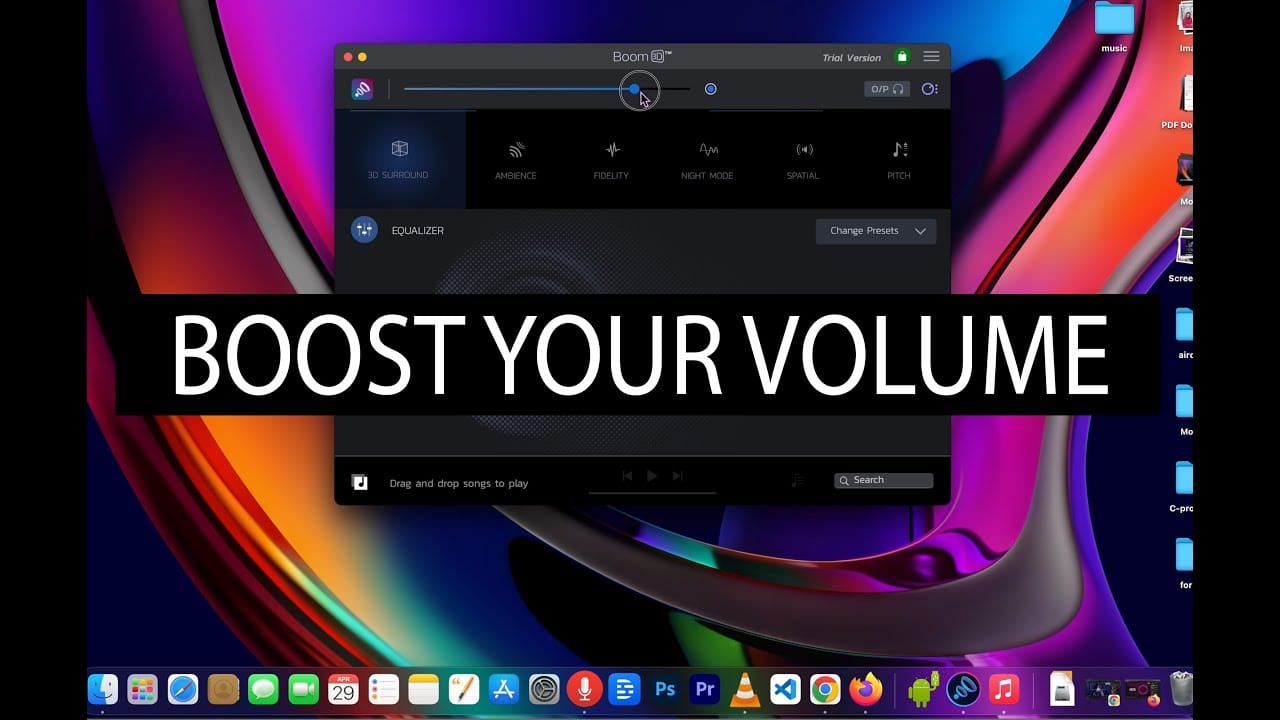
- If, for example, the audio track of a movie is set too low, you can use additional software to remedy the situation. The free VLC player allows you to adjust the volume directly within the program up to 200 percent.