235
If you want to delete your Telegram account, it only takes a few clicks. The account will then no longer be accessible.
Instructions: Delete Telegram Account
- Open the direct deletion link in your web browser, enter your phone number, and tap “Next.” Or open the Telegram website. Then go to the FAQ section and select the “My Account” menu item. Now open the option “Delete Telegram Account.” Then enter your phone number and tap “Next.”
- You will now receive a message with a code in the Telegram app. Enter the code on the website.
- In your profile, select “Delete Account.” Here you can provide a reason for deleting your account. However, this information is optional and therefore not required.
- You will now be automatically logged out of Telegram and your account will be deleted. You can then uninstall the Telegram app.
Telegram automatically deletes inactive accounts
If you haven’t used the app for a very long time, you may not even need to delete your account, as Telegram will do that for you.
- Users who have not logged into their Telegram account for six months or longer will be deleted.
- If you want to prevent this, you must adjust the inactivity period in Telegram’s settings in a timely manner.
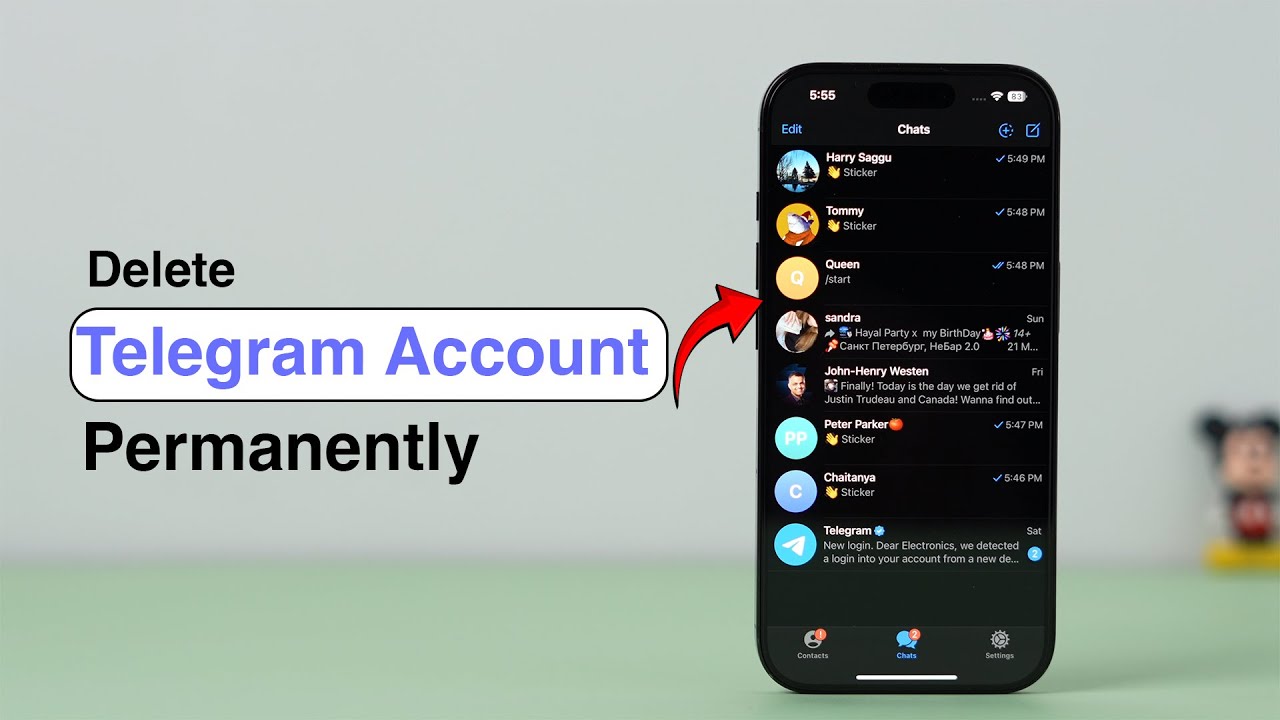
Back up your data before deleting your Telegram account
If you want to keep specific chats from Telegram, back them up first before deleting your account.
- To export a chat on Telegram, open the desktop app and click on the desired chat.
- Go to the three-line menu in the top-left corner, then select “Settings” > “Advanced” and “Export Data”.
- Select the chat and decide whether you also want to export media. The chat history will then be available to you in HTML format.