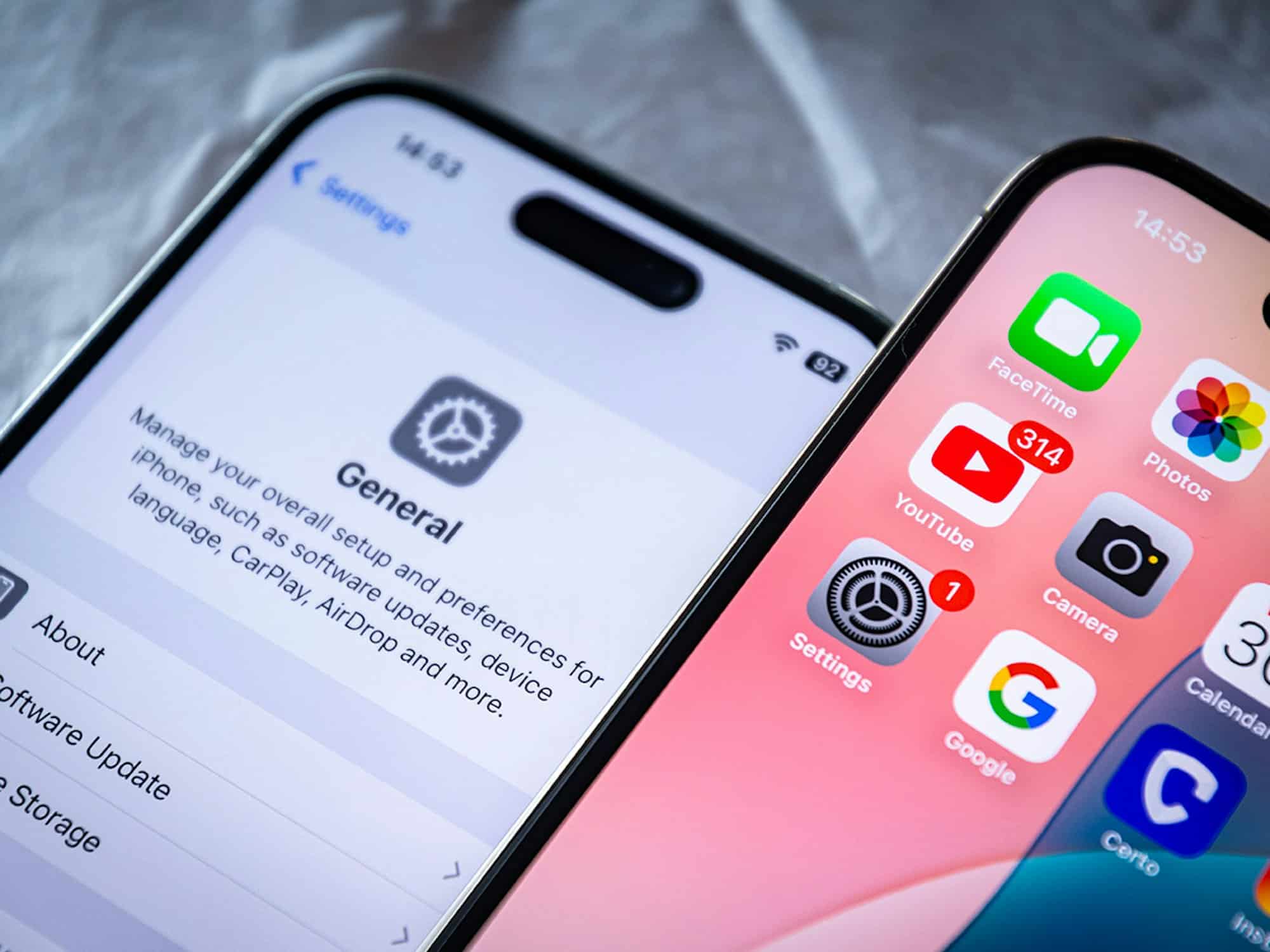
It’s not as unlikely as many Apple users think that your iPhone has been hacked. If you’re affected, it’s important to act quickly and, above all, correctly.
iPhone hacked: How to tell
Apple’s iOS operating system is considered very secure. Unlike Android, apps can only be downloaded from the Apple Store, where they are subject to strict controls. Nevertheless, your iPhone may have been hacked, for example, if you’ve performed a jailbreak .
- With a jailbreak, it is possible to bypass the iPhone’s strict security measures and, for example, install unauthorized apps or make more extensive changes to settings. If you haven’t heard of the term “jailbreak” yet, you’re probably not one of those users who wants to break into the iPhone’s security.
- However, if you have a jailbreak and use alternative app stores like Cydia to download apps from third-party and unauthorized sources, you should always be concerned about your security.
- Important: Even Apple’s iPhone can be hacked, particularly via phishing links, infected websites, or spyware. Key current signs of a hack include sudden battery issues, unexplained overheating of the device, or spontaneous app crashes.
- An internal attack on your phone is most likely if the hacker has had your iPhone in their hands at least once for an extended period.
- In the case of an internal attack, the hacker can install malware and spyware on your iPhone. So pay special attention to apps you’ve never seen on your phone before and always check whether settings have been changed that you didn’t make yourself.
- Furthermore, you should check whether you’re receiving higher phone bills or if there’s unusually high data usage with certain apps. For example, hackers can send expensive text messages via your iPhone.
- Hackers are usually after a ransom to grant you access to your iPhone again. At the latest when you realize that nothing works anymore and a hacker contacts you, you’ll know what’s going on and should take immediate action.
iPhone hacked: What you can do and how to protect yourself
If your iPhone has been hacked, the best thing to do is reset it.
- We’ve explained how to reset your iPhone to factory settings in another practical tip. You should also change all access codes and passwords and remove the SIM card.
- It’s also a good idea to check your Apple ID security, delete unknown apps, and install security software like NordVPN or Norton.
- To protect your iPhone from a hacker attack, you should always update iOS when an update is available. This is because security vulnerabilities are consistently patched in these updates.
- You should also avoid entering private data on public Wi-Fi networks and never leave your iPhone unattended.
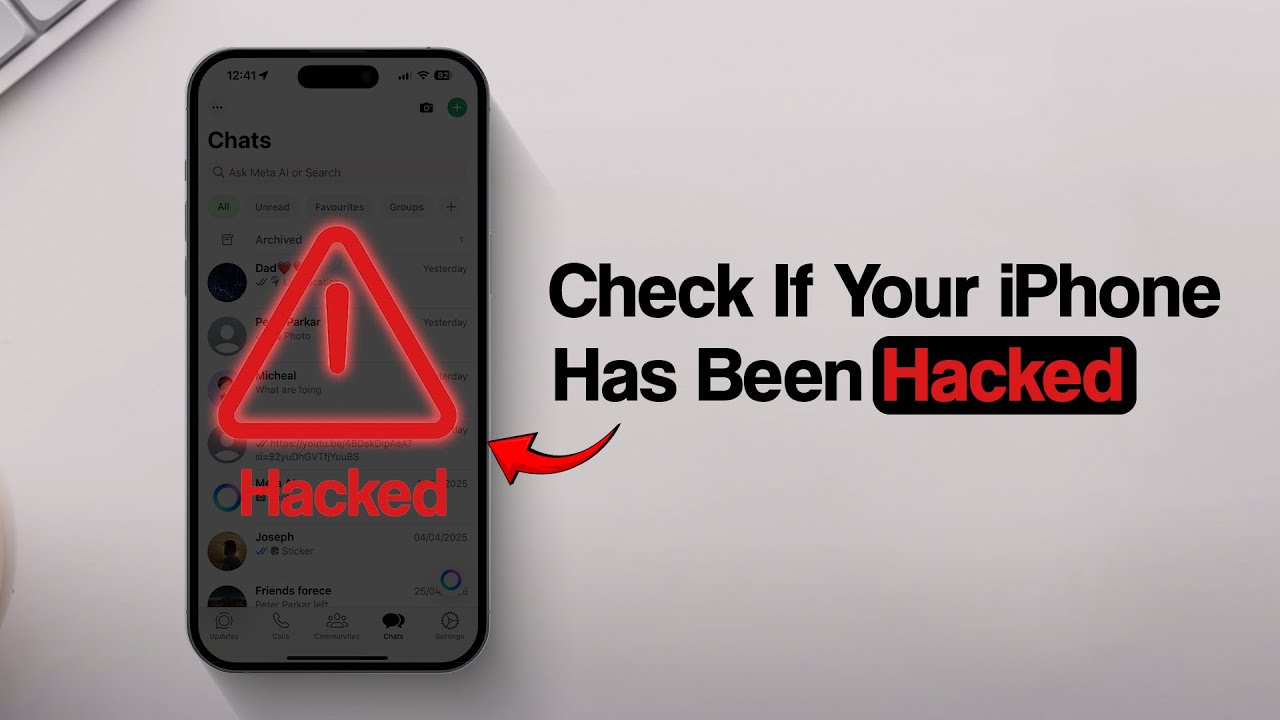
Modern detection methods such as CopyTrans
If you suspect that your iPhone has been hacked, you should use modern detection methods and perform various checks. In addition to basic measures such as checking for unusual activity, installing the latest iOS updates, and scanning for unknown apps, tools like CopyTrans Contacts can be a useful addition.
- CopyTrans Contacts allows you to read your contacts and messages after entering the backup password. This lets you check whether new, unknown contacts or messages have been saved on your device—a possible indication of a hack. The tool also offers the ability to validate backups and check for changes.
- It is important that you always install the latest security update, as critical vulnerabilities such as CVE-2025-24085 have recently been actively exploited and can grant attackers deep access to the system. Regular backups and monitoring your own data with programs like CopyTrans Contacts increase security and help detect tampering early on.
The dangerous “Your iPhone has been hacked” pop-up scam – How the latest support scam works
The “Your iPhone has been hacked” pop-up scam is a widespread form of fraud designed to unsettle iPhone users and trick them into acting rashly. While browsing the internet, pop-up windows suddenly appear claiming that the iPhone has been compromised and demanding immediate action. Process and typical characteristics:
- The pop-ups usually appear unexpectedly when visiting untrustworthy or hacked websites. They mimic official Apple warnings and use phrases such as “Your iPhone has been hacked,” “A virus has been detected,” or “Immediate action is required.”
- They often suggest that all activity on the device is being monitored by hackers and that sensitive data is at risk.
- The pop-ups prompt users to either install a purported security app or call a support number that supposedly belongs to Apple.
- In the case of support scams, the scammers on the phone pose as Apple employees. They ask for personal information, login credentials, or even remote access to the device. The goal is to steal sensitive information or sell paid, useless services.
- Important safety tips: No browser pop-up can actually detect whether an iPhone has been hacked—such warnings are always scams. Never click on links in such pop-ups, do not install apps, and do not call support numbers. If in doubt, always contact official Apple Support directly.