507
You can easily switch off the voicemail on your iPhone. If you are unable to answer a call, the voicemail will normally answer and ask the caller to leave a message.
Switch off voicemail: How to do it on the iPhone
You can easily switch off your voicemail by entering a specific code in your phone app.
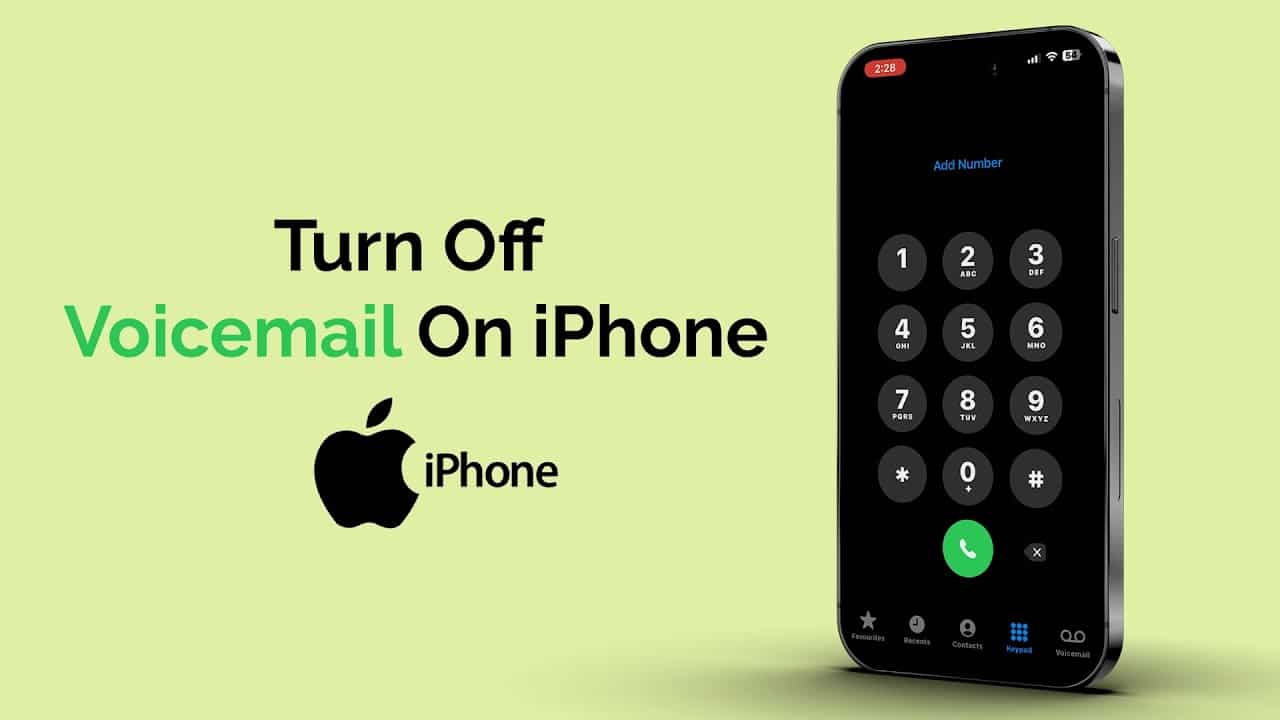
- Open the Phone app on your iPhone and navigate to the numeric keypad.
- Type in the code “##002#” and confirm your entry with the Call button.
- The hash marks instruct your device to perform an action. It is therefore not a telephone number.
- Specifically, this code deletes all call forwarding so that callers are no longer put through to the mailbox.

Configure mailbox
You can also use other of these codes to adjust the behavior of your mailbox.
- Use the code “##61#” to stop your callers being forwarded to the mailbox after a certain time if the call has not yet been answered.
- The code “##62#” prevents callers from being forwarded to the mailbox if your telephone is switched off or not dialed into the telephone network.
- You can deactivate forwarding to the mailbox by entering “##67#” if your line is busy.