251
If Windows or a program reports problems with the ntdll.dll file, you’ll need to repair it. We’ll show you how.
Getting Started: Repairing ntdll.dll
- Internet Explorer: This problem often occurs with Internet Explorer. Disable all add-ons in the browser and restart your computer. This may resolve the issue. You can find instructions on how to disable add-ons in this practical tip.
- Replace the file: Download a new ntdll.dll. You can find the file, for example, on this website from DLL-Files.com. Click the “Download ZIP File” button below and copy the DLL file to the “C:/Windows/System32” folder. For safety, copy the old ntdll.dll file to your desktop. Warning: Try the instructions in the next paragraph first. This should only be your last resort, as it involves risks.
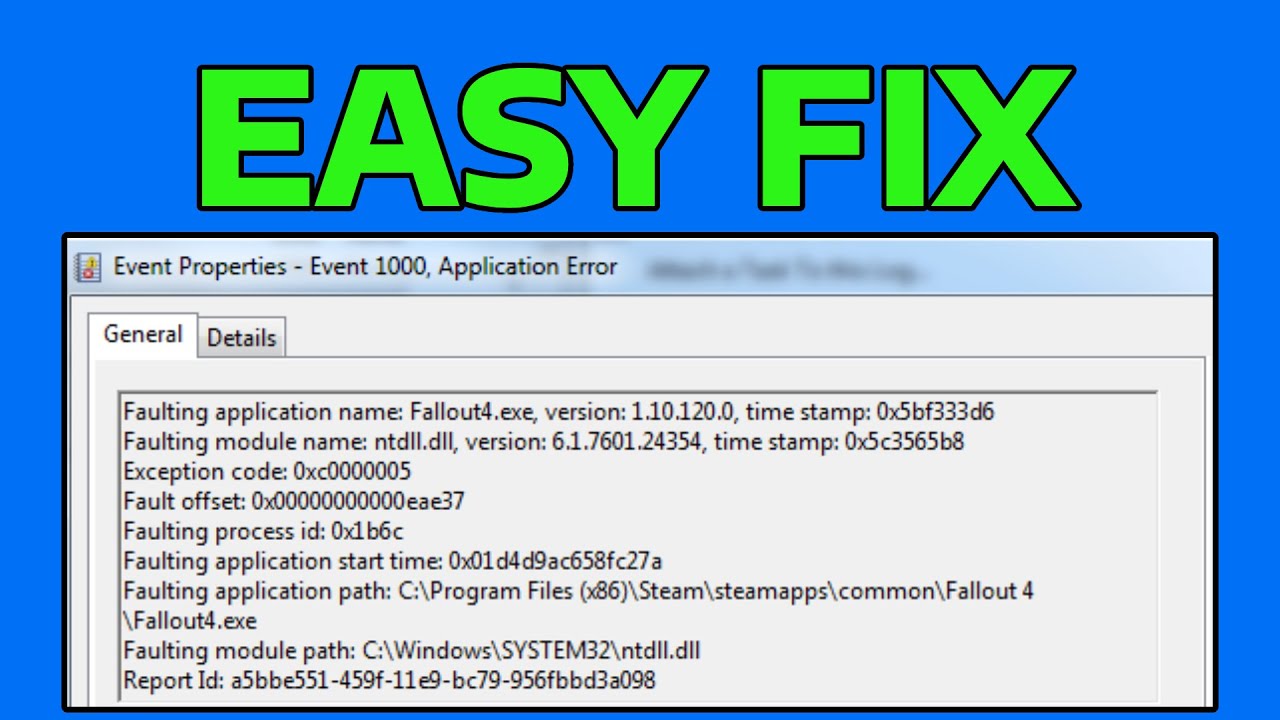
Repair Ntdll.dll using Windows Repair
If the previous steps did not help, you can still use Windows System Repair. This checks your file system and restores it if necessary.
- Windows 8: You can easily refresh your Windows file system using the “Refresh” feature. No personal data will be lost in the process. You can find instructions for refreshing in this practical tip.
- Windows 7 and Vista: Simply follow these instructions to perform the repair. However, in the third step, select “System Repair.”