324
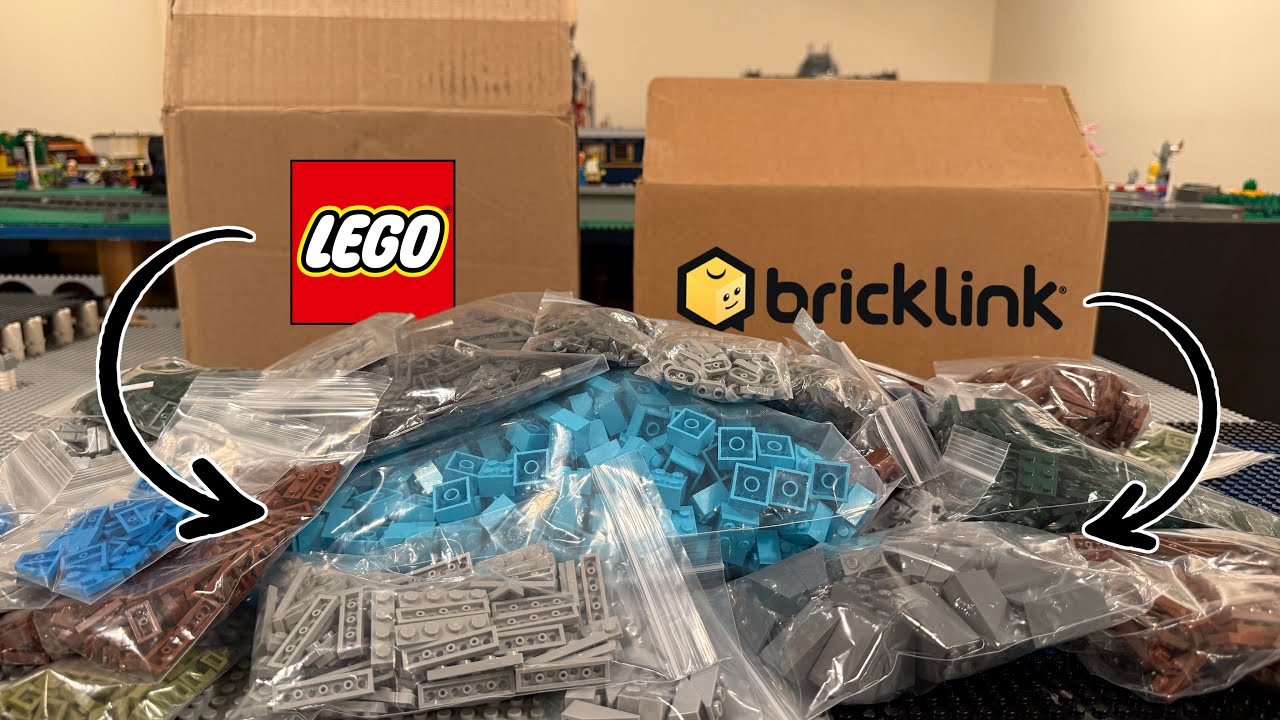
You can buy LEGO bricks from both LEGO and BrickLink. In this practical guide, you’ll learn what BrickLink is used for and how it differs from LEGO.
LEGO and BrickLink: Here Are the Differences
LEGO produces and sells original building sets with fixed designs and themes. BrickLink , on the other hand, offers an open platform where users can buy, sell, and trade individual LEGO pieces—from rare single bricks to complete sets. But that’s not the only difference:
- BrickLink functions as a marketplace and a creative community that gives collectors, hobbyists, and designers access to countless pieces that are often no longer available from LEGO.
- While LEGO operates a traditional retail model, BrickLink encourages active fan participation through the BrickLink Designer Program (BDP), a crowdfunding-like system.
- You can submit your own model designs to BrickLink, which are then evaluated by the community. Successful models are officially produced and sold by LEGO.
- Using a wish list, you can search for specific bricks for your projects and browse through sellers.

How to plan a new project in BrickLink Studio
When planning a new LEGO project, BrickLink is often indispensable. With the Studio, you can not only plan models and purchase the bricks, but also create instructions for your model and export photorealistic rendered images of your model. Proceed as follows:
- Download BrickLink Studio and launch it
- Create a new project via “New Project” in the main menu
- Import a reference photo via the search bar at the top under Model → Add Reference
- Align and scale the reference photo
- Select and position bricks to gradually build the model
- Generate a parts list via Model → Export Parts List