289
If you see the message “Viruses have been detected on your iPhone,” stay calm. Do not click on the message under any circumstances.
Viruses have been detected on your iPhone: What does that mean?
- This message will appear while browsing in Safari. Along with the warning, you’ll also see a prompt stating that you can remove the virus by tapping “OK.” Do not do this under any circumstances!
- You do not have a virus on your iPhone. This fake alert, promising supposed immediate help, is designed to trick you into tapping the “OK” button.
- The people behind this scheme are trying to gain unauthorized access to your Apple account and personal data.
How to Respond Correctly to a Virus Alert
As previously explained: Do not click on anything in the virus alert. It may be difficult to simply close the page while the alert is displayed.
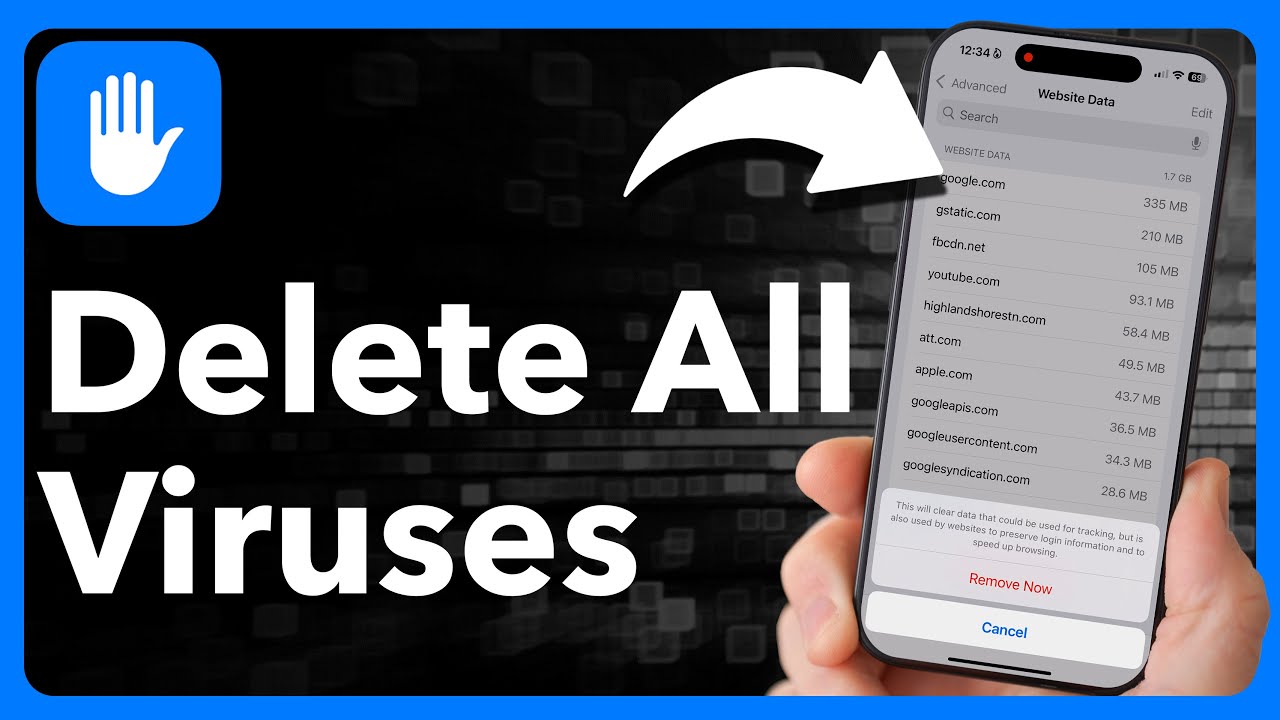
- But the solution is quite simple: Disable JavaScript. To do this, open Settings and scroll down to “Safari.”
- Here, tap “Advanced” and use the slider to turn off “JavaScript.”
- Now close the Safari app by double-clicking the Home button and swiping up.
- Then restart Safari. The page will now appear, but without the pop-up containing the virus warning. Close the affected page and also clear your history in Safari.
- Finally, you can re-enable JavaScript for the Safari browser.