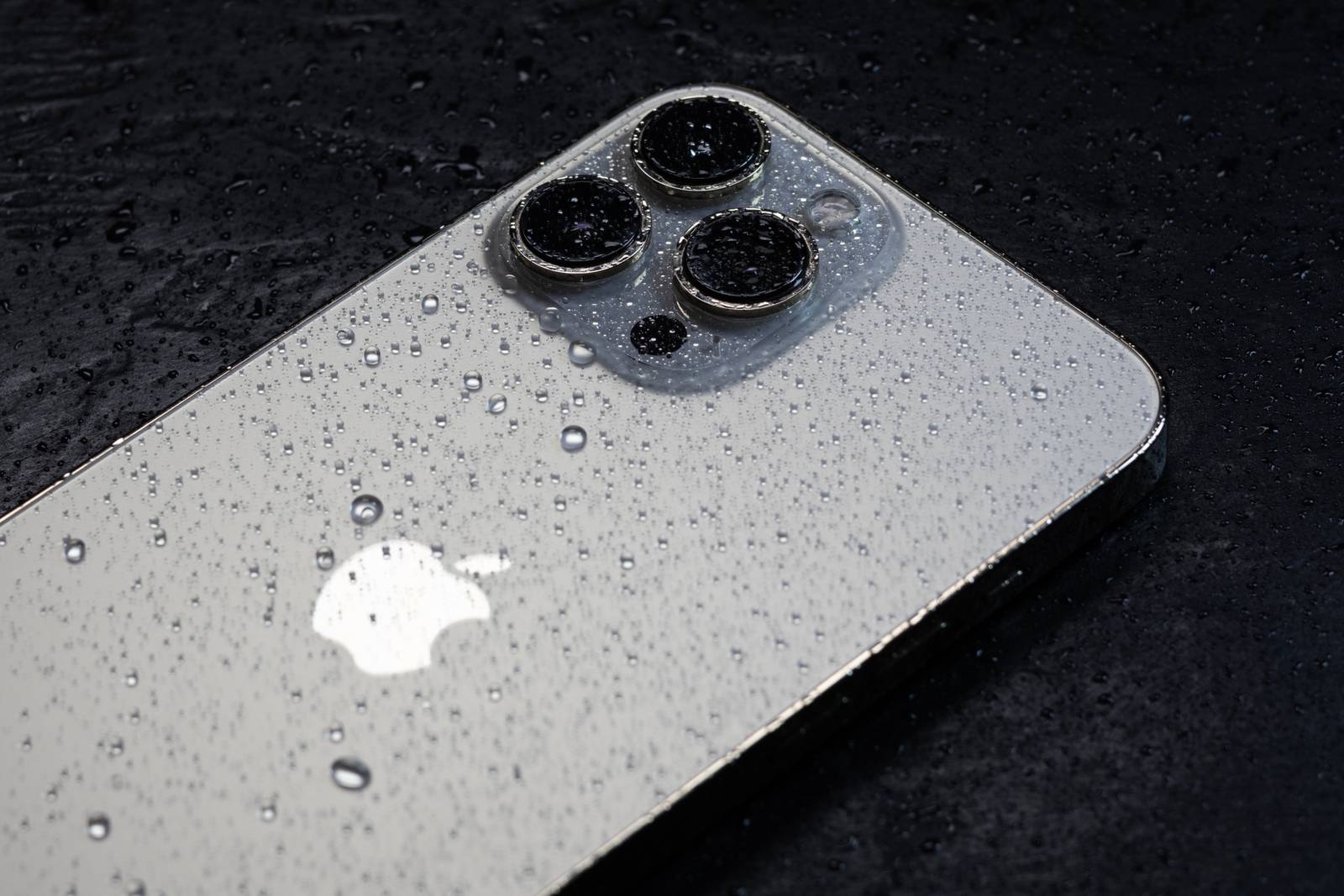
Water can easily get into the iPhone’s speaker. You should remove it quickly to prevent damage to your device.
If water gets into your iPhone’s speaker
If water gets into the speaker, you should remove it, as it can negatively affect audio quality and, over time, cause damage to the electronics. To remove the moisture, you don’t need a hair dryer or rice.
- The iPhone has its own feature for removing water from the speakers. It’s called “water eject.”
- To use this feature, either say “Siri, perform water eject” or download the command from the Shortcuts app.
- Alternatively, you can download the “Sonic” app and set the frequency in the app to 165 Hz. The app performs the same process as “water eject.”
Which iPhones are water- and splash-resistant?
For several generations now, Apple has been equipping its devices with a certain level of protection against water and dust . This resistance is indicated by the so-called IP certification
- Current models such as the iPhone 12, 13, 14, and 15 (including Pro and Pro Max) are certified to IP68 . This means they are fully protected against dust and, according to Apple , can survive up to 30 minutes at a maximum depth of 6 meters without damage.
- Older models such as the iPhone 7 through iPhone 11 have IP67 certification, which only guarantees protection during brief immersion to a depth of up to 1 meter .
- Important to know: The protection applies to clear freshwater – saltwater, soapy water, or chlorinated water can still cause damage. Also: The protection diminishes over time, as seals age and can come loose due to drops or exposure to heat.
Immediate Steps After Water Exposure
Follow these steps to protect your iPhone if it gets wet
Leave it turned off until you’re sure the inside is completely dry.

Preventing Water Damage to iPhone Speakers
In general, you should keep moisture away from your phone or remove it quickly to prevent damage. The same applies to water in the charging port.
- In addition to impairing sound quality, moisture in your speakers can also lead to corrosion or, under certain circumstances, even penetrate the phone.
- Similarly, a damp charging port can rust or, in the worst case, cause a short circuit while charging.
- Significant temperature differences can cause condensation inside the device, even if it doesn’t come into direct contact with water. Avoid taking your iPhone from extremely cold to warm environments whenever possible. This applies, for example, to using your smartphone in a sauna.
- Don’t leave your phone lying out in the bathroom if you’re taking a long shower or bath. The high humidity can damage your smartphone.
- Be especially careful when using your iPhone in extreme weather conditions such as heavy rain or snowfall.
- Tip: In damp rooms or during wet weather, it’s best to use a waterproof phone case.
Mistakes to Avoid
There are numerous supposed home remedies for moisture in smartphones, but many of them cause more harm than good :
- No rice: Rice can leave behind small dust particles that get into the speakers or ports. Furthermore, it does little to speed up the drying process.
- No vigorous tapping or shaking: This only causes the water to spread inside the phone and can lead to short circuits.
- No direct sunlight or heat sources: High temperatures can quickly cause material deformation or battery damage.
- Do not hit or shake the device vigorously: This will cause the water to spread inside the device and may result in short circuits.