1
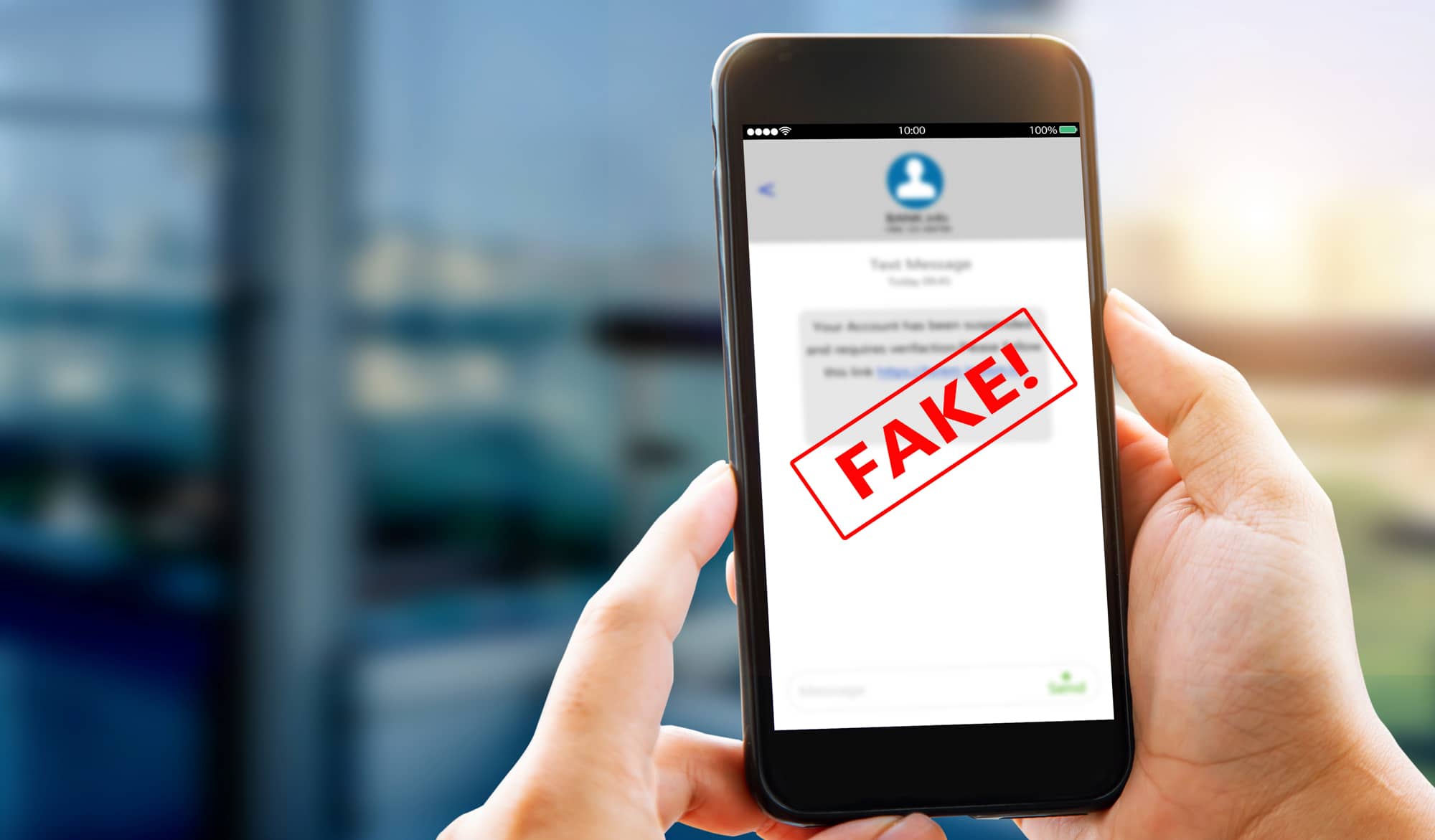
If you have received and opened a fake text message, you should act as quickly as possible. Under no circumstances should you click on any links contained within it.
Fake text message opened: What you should do now
If you have received a fake text message and only opened it to read it, you do not need to do anything; simply delete the message. However, you should act quickly if you have clicked on the link and may have disclosed personal data.
- Put your device into aeroplane mode immediately to prevent any further data transmission.
- Check for any suspicious apps on your device and uninstall them straight away if necessary.
- Change your passwords immediately if you have entered your login details for a service. If possible, log out of all active sessions on your online accounts. If you can no longer access your accounts, contact the support team for the relevant platform.
- If you use the same combination of email address and password on other websites and services, you should also change these for security’s sake. You should also consider setting up two-factor authentication for added security.
- Contact your bank if you have provided details of your bank or credit cards, to block your accounts and credit cards and stop unauthorised transactions.
- In the event of stolen bank details , report the incident on the Federal Network Agency’s website.
- If you have disclosed personal details such as your first name, surname, date of birth, address or ID number, you should contact the police. There is a risk here that fraudsters may misuse your identity to commit further offences.
- If you have provided your telephone number and address, you may find that fraudsters contact you more frequently in the near future. For this reason, you should be particularly cautious when dealing with unknown numbers or spam emails.

Fake text messages opened – Additional security measures for your device
By clicking on links or opening documents, fraudsters can secretly install apps on your smartphone. These programmes usually run unnoticed in the background and collect personal data.
- You often need to locate the hidden app first before you can uninstall it. Whilst doing so, you should put your smartphone into aeroplane mode to prevent any further data transfers. If you are unable to delete the apps straight away, restart your Android smartphone in safe mode.
- If you have opened the link on your computer, use the Task Manager to check for processes running in the background. Stop any suspicious processes immediately and uninstall the programmes.
- Also, run your antivirus programme to remove any potential Trojans.
- If your device continues to display unusual behaviour whilst in use, consider resetting it to factory settings.
