0
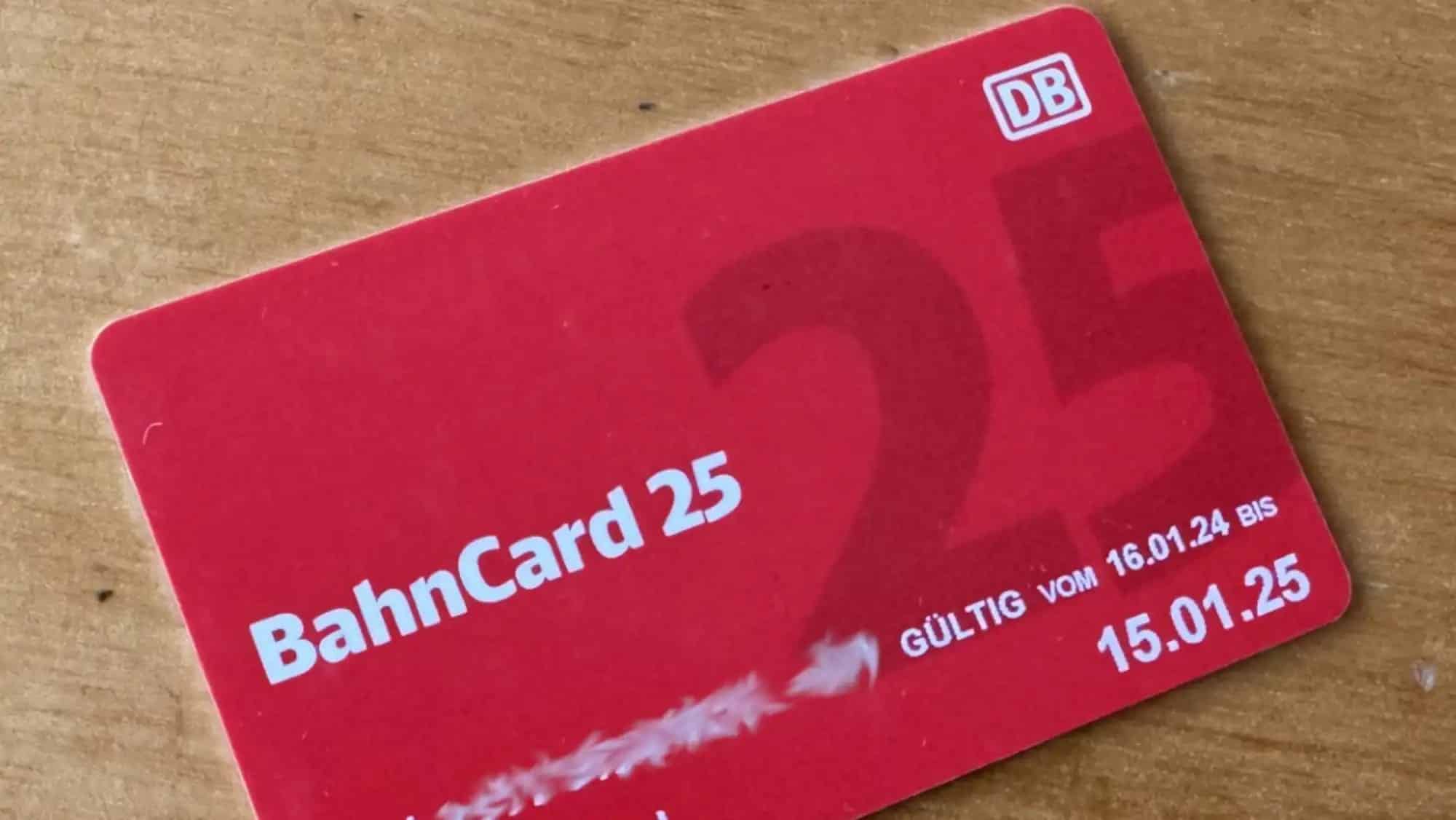
If you no longer need your BahnCard, you can cancel it quickly and easily online. You can do this simply by using the Deutsche Bahn contact form.
Cancelling your BahnCard online: Here’s how
If you do not cancel your BahnCard four weeks before it expires, your subscription will automatically be renewed for another year. The easiest way to cancel is online:
- Go to the BahnCard Service website. You do not need any login details to cancel.
- On the contact form, select “Cancellation of your Bahncard” as the subject and click on the correct Bahncard. Make sure you choose the right option between Bahncard 25 and Bahncard 50.
- In your message, you can keep it brief or simply copy the following text : “Dear Sir or Madam, I hereby cancel my BahnCard with customer number [Nummer] in due time. Please send me written confirmation of the cancellation. Yours faithfully, [Ihr Name]”.
- Then enter your contact details, your BahnCard number and your email address, and submit the cancellation online.
- You will receive a confirmation email in the next few days stating that the cancellation of your BahnCard has been received and accepted.
Cancel your subscription via your customer account
- Next, go to ‘BahnCard > Options’. Here you can see whether you can cancel your BahnCard, as well as information about your subscription.
- Whether you can cancel your BahnCard depends on whether you act within the specified time limits. The option to cancel will only be visible to you if you submit your cancellation in good time within the specified period. Otherwise, this section will be greyed out.
- If it is possible to cancel your account, confirm the cancellation via ‘Cancel BahnCard’. If this is not possible, you have missed the deadline for cancellation. If necessary, please contact Deutsche Bahn’s customer service.
- You may still be able to cancel by telephone via the service hotline if you have missed the deadline.
- You will then receive a confirmation of cancellation via the email address you have provided in your account.
- Note: The automatic renewal clause should be clearly visible to you in your contract with DB. If this section is not highlighted, you may be able to lodge a legal objection and thus still withdraw from the contract.