188
If you’re having problems with your Xbox controller, it’s a good idea to reset it. However, as there isn’t a reset button on the controller itself, you’ll need to follow a different procedure.
How to reset your Xbox controller
Many devices have a reset button. If they aren’t working properly, you can simply use this to restore them to their default settings. However, this isn’t possible with the XBOX controller. If you encounter problems, you can proceed as follows:
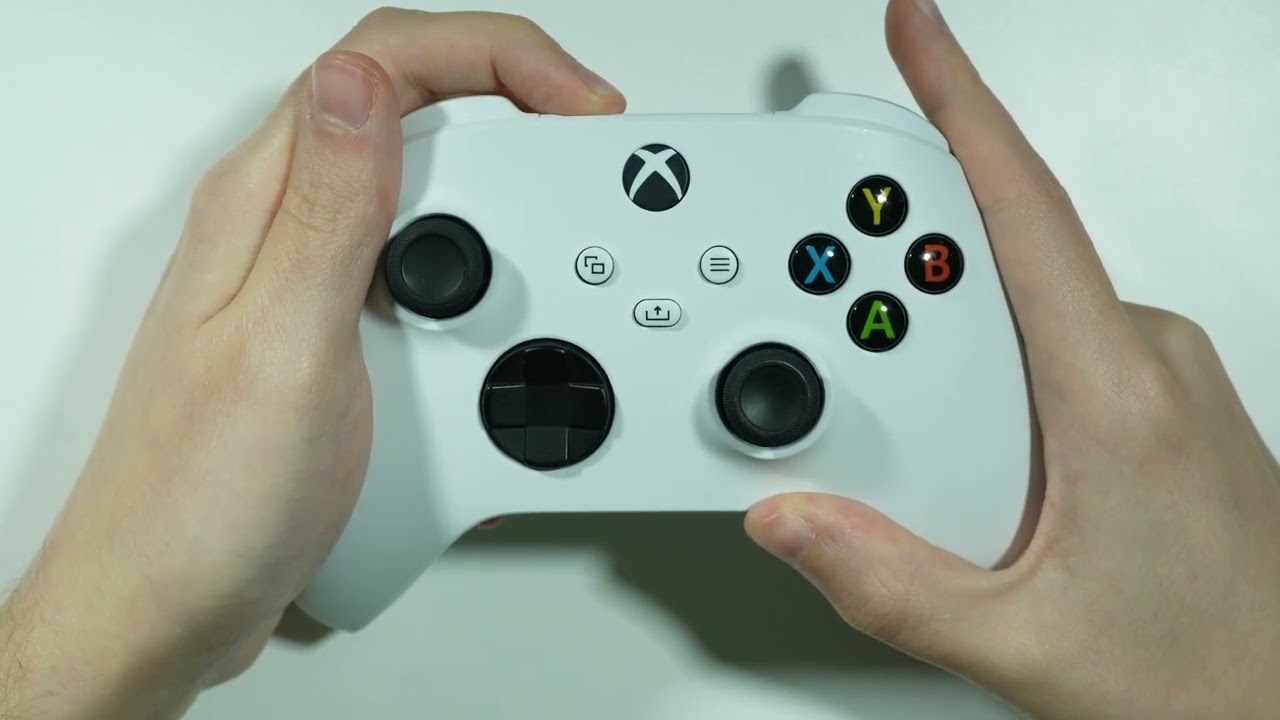
- You can switch your controller off and on again yourself. This is similar to a reset. To do this, first press and hold the Xbox button on the controller for about 10 seconds.
- Once the Xbox controller has switched off, you can switch it back on. To do this, press the Xbox button again.
- Many problems can be resolved in this way, allowing you to use the controller again.
Further help with problems
If restarting the controller hasn’t worked, you can try the following:
- Connect the controller to your Xbox. To do this, you’ll need a cable with a USB connector for the console and a micro-USB connector that you plug into the controller.
- If the Xbox controller is now working, the batteries may be faulty. If the problem persists, it’s likely that your controller is faulty.
- Sometimes it can also help to update your Xbox One controller.
