375
You can set up your UE Boom as an extension for the Alexa voice assistant and enhance your audio playback. The setup process takes just a few steps.
Set up UE Boom for Alexa – here’s how
Follow these steps to quickly connect your UE Boom speaker to Alexa. Please note, however, that the classic UE Boom (1st generation) no longer offers native Alexa support. Direct integration via the Alexa app is only possible with the UE Boom 2, UE Megaboom, and the Wi-Fi-enabled Ultimate Ears Blast and Megablast models. All other models can only be paired as standard Bluetooth speakers.
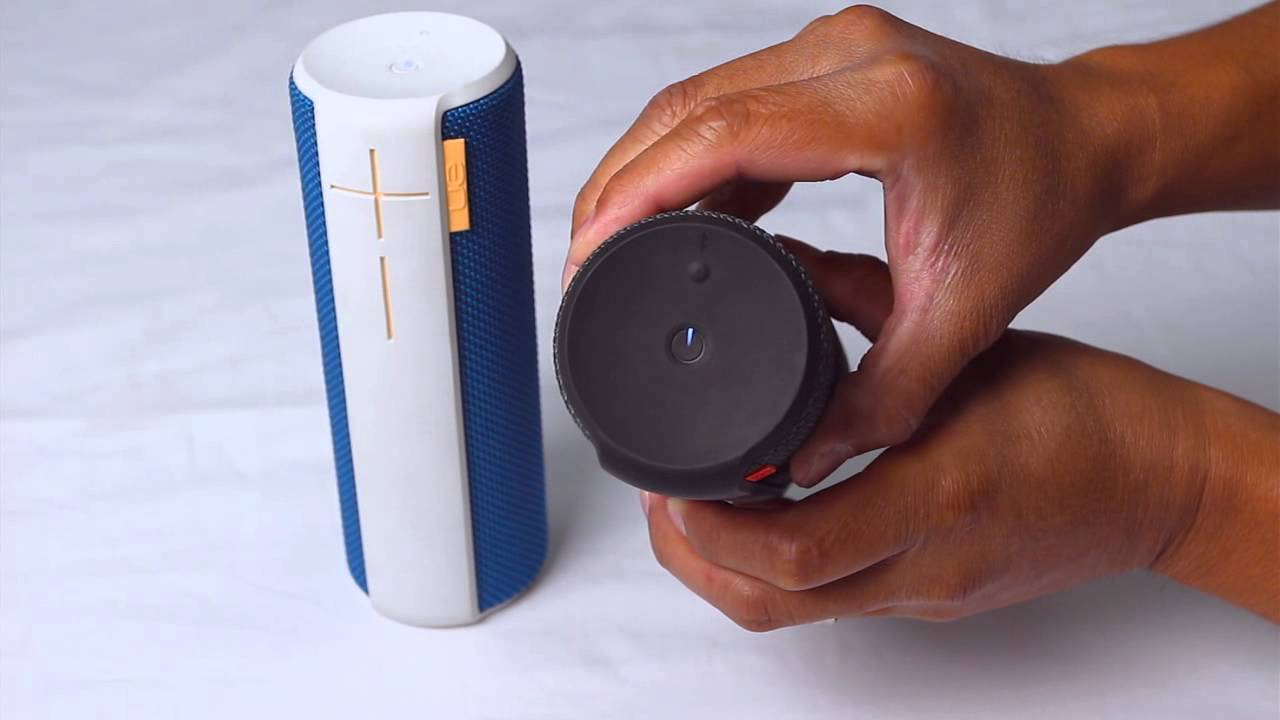
- Enable pairing mode on your UE Boom by pressing the Bluetooth button for three seconds. When the mode is activated, the speaker will emit a tone and begin to flash.
- Then open the Alexa app on your smartphone or tablet.
- Now navigate to Settings and tap “Device Settings.”
- Select the Echo device you want to connect your speaker to.
- Then go to “Bluetooth Devices” and tap “Pair a new device.”
- Now select your UE Boom. If it doesn’t appear, put the speaker back into pairing mode.
- As soon as Alexa establishes the connection, you’ll see a confirmation message. Complete the process by tapping “Continue.”
- Tip: For models like the UE Boom 2 or UE Megaboom, the connection can be automatically reestablished after the initial pairing when you turn on Alexa or the speaker. For Blast or Megablast devices, pairing is done via Wi-Fi and the standalone Ultimate Ears app, which also supports Alexa logins.
Differences from standard Bluetooth speakers
UE Boom models without Alexa functionality, such as the first generation or the UE Roll, can still be used as standard Bluetooth speakers.
- In this case, Alexa serves exclusively as a playback source via an Echo device or your smartphone—voice commands such as “Alexa, play music on Boom” only work indirectly. Voice control is handled by the Echo, not by the speaker itself.
- Devices with built-in Alexa, such as the Ultimate Ears Blast and Megablast, on the other hand, allow for voice control without an additional Echo. These speakers respond directly to voice commands and require only a stable Wi-Fi connection and a linked Amazon account.