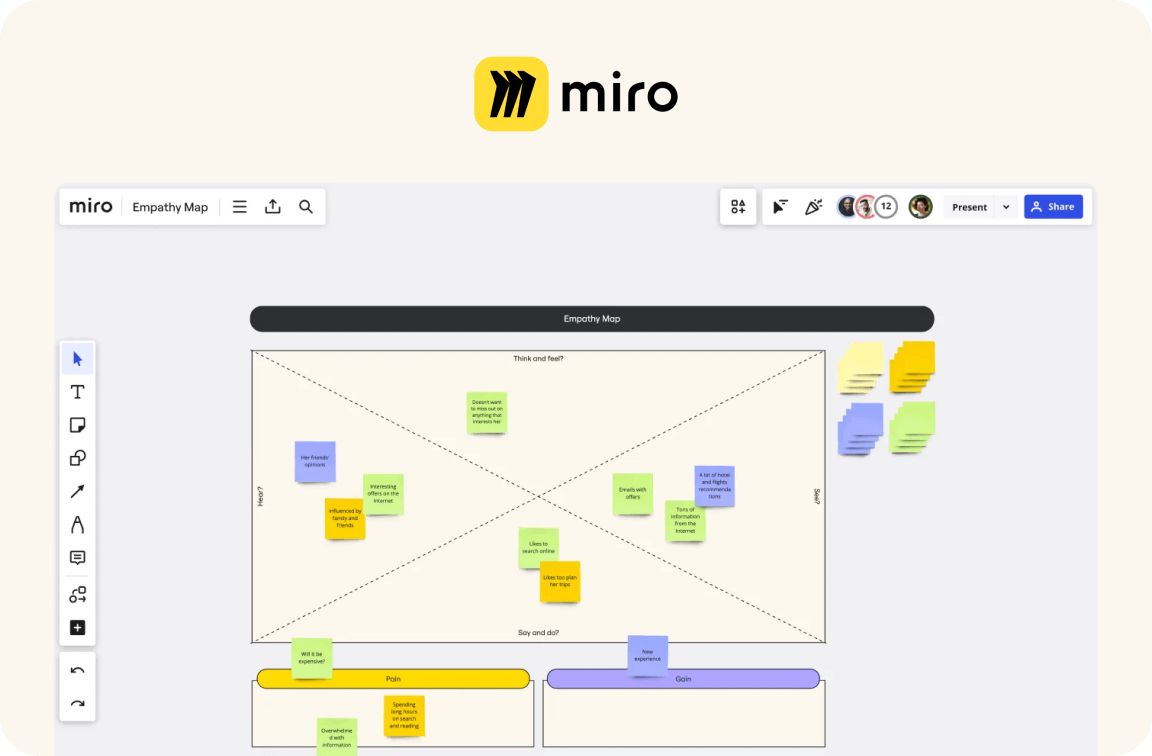
Miro is a popular tool for collaborative online whiteboards, but there are also numerous alternatives that might be a better fit depending on your needs. We’ll introduce you to these options and highlight the features and benefits they offer.
Why Consider a Miro Alternative?
- Miro is a powerful tool, but it may not meet your team’s specific requirements. Perhaps you need a platform with certain integrations or features that Miro doesn’t offer. In such cases, it may make sense to look for alternatives that better suit your individual needs.
- Miro’s pricing structure might not be suitable for some companies. While Miro offers a free plan, the costs for premium plans can quickly add up, especially as your team grows. An alternative with more flexible or affordable pricing could be the solution here.
- Data privacy and security are crucial factors for many companies when choosing a digital tool. If Miro does not meet your expectations in this area, you should consider alternatives that offer stricter privacy policies or additional security features.
- Ease of use is another important aspect. Some users may find Miro complex or difficult to navigate. In such cases, it may be helpful to choose an alternative that is more intuitively designed and offers a gentler learning curve.
Popular Alternatives to Miro
There are many tools on the market that can serve as alternatives to Miro. These differ in terms of features, user interface, and pricing. It’s worth taking a closer look at some of these options to make the best choice for your team.
- Trello is a widely used alternative, known primarily for its ease of use and effective project management features. It offers a clear visual representation of projects through boards, lists, and cards, making it easy for users to organize and track tasks.
- Lucidchart is another option particularly well-suited for users who prioritize diagramming. With its extensive diagramming tools, Lucidchart enables the creation of complex flowcharts, UML diagrams, and much more—features highly valued in many professional settings.
- Microsoft Whiteboard offers seamless integration with other Microsoft products, making it ideal for companies that have already invested in the Microsoft ecosystem. It is particularly useful for teams that prefer close, real-time collaboration.
- Conceptboard is another collaborative whiteboard that stands out for its user-friendly interface and real-time collaboration capabilities. It is particularly well-suited for creative projects, as it offers numerous drawing and design tools.

Criteria for Choosing a Miro Alternative
When searching for a suitable Miro alternative, there are various criteria that should be taken into account. Depending on your team’s specific needs, different aspects may be important.
- Consider which features are most important to your team. For example, do you need advanced diagramming tools, integrations with existing software solutions, or specific collaboration features? This can help you narrow down the list of alternatives.
- A platform’s scalability is also an important factor. Make sure the alternative you choose can grow with your business without causing limitations or significant price increases.
- Evaluate the user-friendliness of the alternatives. An intuitive user interface can increase acceptance of the tool within your team and shorten the learning curve.
- Review the security and data protection measures. Ensure that the chosen alternative complies with legal requirements and adequately protects your company data.
Making the Switch to a Miro Alternative a Success
Once you’ve selected a suitable alternative to Miro, it’s important to ensure a smooth transition. This includes training your employees and integrating the new tool into existing workflows.
- Plan comprehensive training for your team so that all members become familiar with the new features and capabilities. This can be done through webinars, workshops, or online tutorials.
- Communicate the reasons for the switch and the benefits of the new platform clearly and transparently. This can help minimize resistance and increase acceptance.
- Ensure that all existing data and projects are seamlessly transferred to the new platform. Depending on the complexity of the projects, this may take some time, but it should be carefully planned.
- Consider integration with existing systems. Check how well the new solution works with other software solutions used by your company to ensure a smooth workflow.