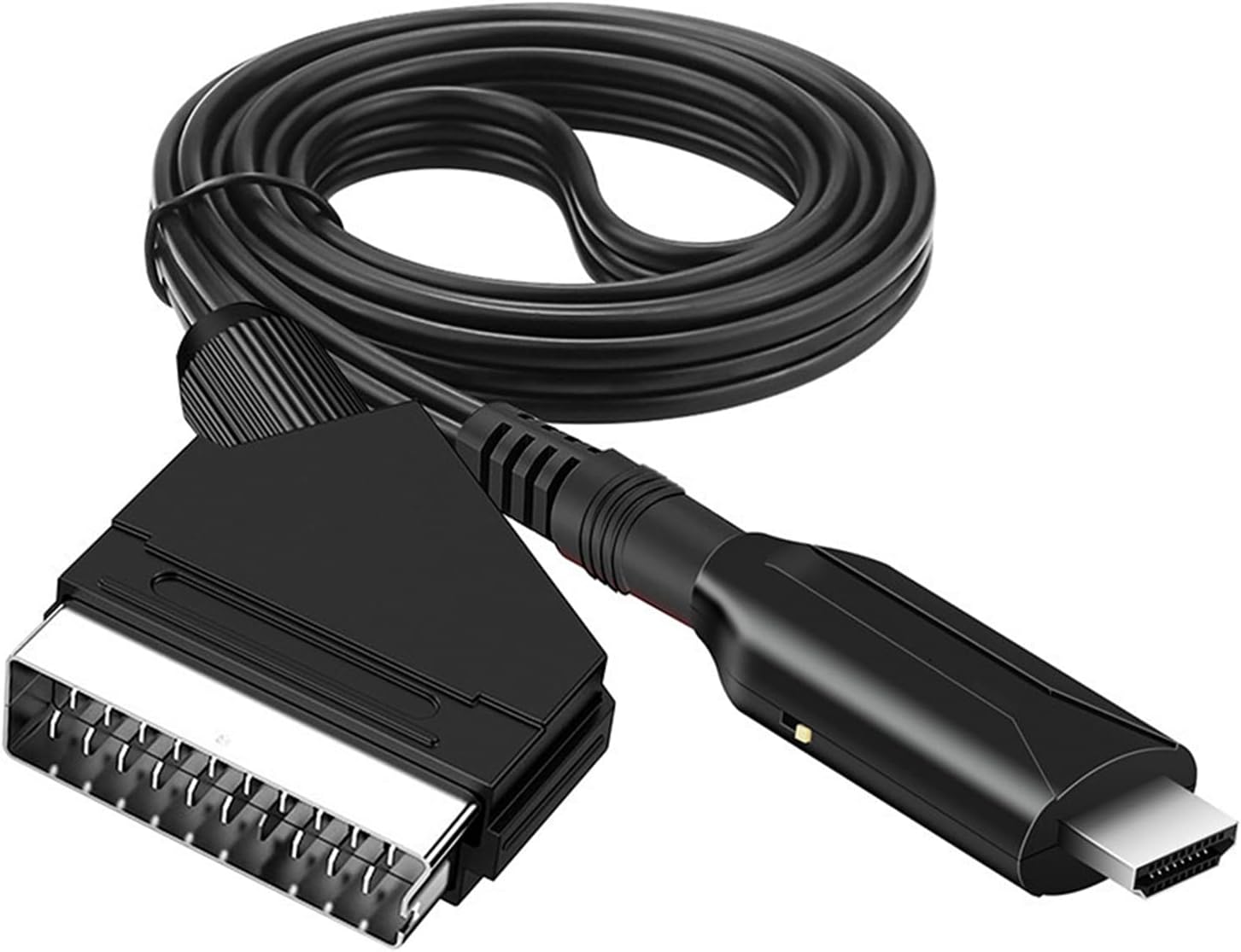
Converting HDMI to Scart isn’t that simple, since HDMI provides a digital video signal and Scart provides an analog one. A converter can help here.
HDMI to Scart converter
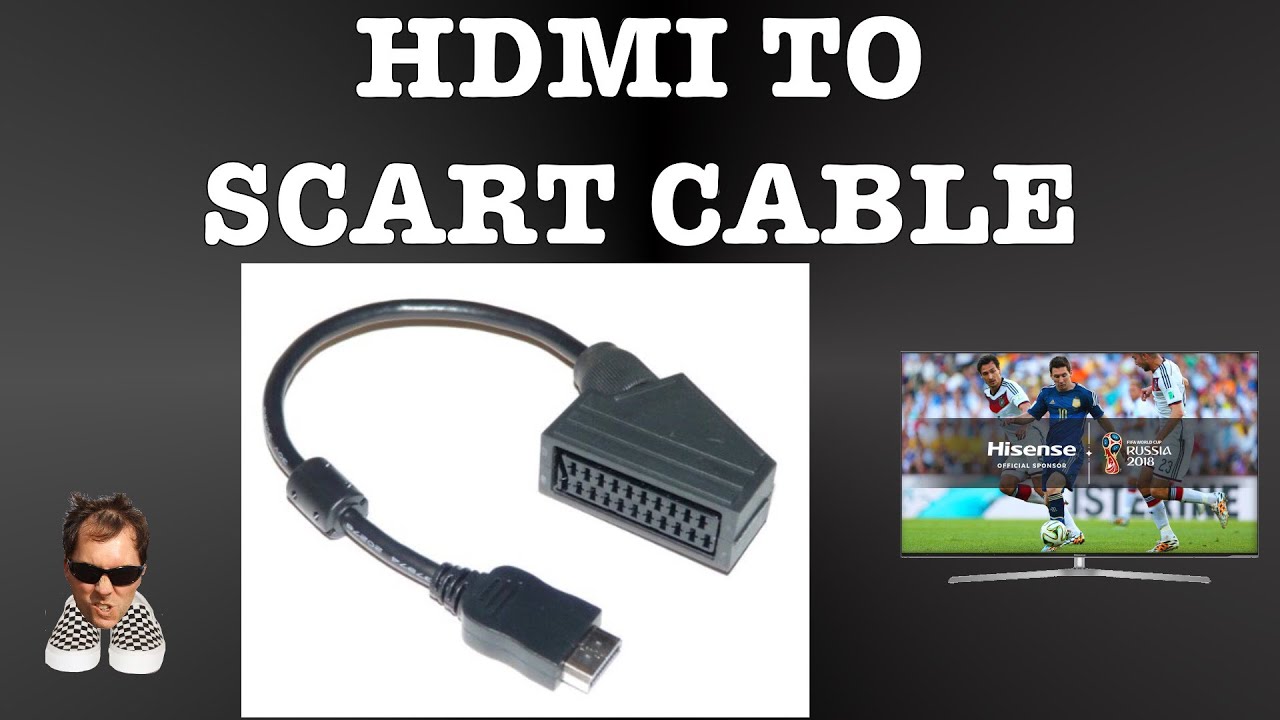
If you want to connect a device with an HDMI port to another with a Scart port, you’ll need a special adapter. There are a few important things to keep in mind to ensure the connection actually works.
- Technical differences: HDMI transmits high-resolution digital video and audio signals, while Scart, as an analog standard, only supports low resolutions (PAL: 576i) and analog signal formats.
- A simple HDMI-to-SCART connector is therefore not sufficient, as the two interfaces are not directly compatible—an adapter would be unable to convert digital data and would not work.
- Instead, an active HDMI-to-SCART converter with integrated electronics is always required! The converter converts the digital HDMI signal into an analog composite or RGB signal so that it can be recognized and played back by Scart devices.
Required Converter
To convert from HDMI to Scart, you need a so-called HDMI-to-Scart converter. These small boxes receive the digital HDMI signal, convert it, and pass it on as an analog output signal for the Scart connection.
- This inevitably results in a loss of quality, as the high resolution and digital clarity of HDMI are usually downscaled to PAL or SECAM standard resolution (maximum 576 lines, 4:3 or 16:9) and color information is reduced.
- The audio is usually transmitted as analog stereo; multi-channel formats such as Dolby Digital are lost during conversion.
Use Cases, Limitations, and More
Such converters are particularly useful if you want to connect modern devices such as streaming boxes, Blu-ray players, PC graphics cards, or consoles with HDMI outputs to an older TV, VCR, or DVD player that only has SCART ports.
- Some households use this solution to continue using high-quality CRT TVs or to feed video signals to analog recording devices.
- Please note: UHD or Full HD content can only be transmitted at a reduced resolution; lossless image quality is not possible. In the case of encrypted signals (HDCP copy protection), the converter may prevent or block the transmission.
- Modern surround sound formats also cannot be used with the SCART input; only simple stereo is supported here. Additionally, some converters are not compatible with every HDMI device—you should verify whether your desired setup is supported before purchasing.
- Alternatives: Alternatively, try connecting media players (such as Apple TV, Fire TV, Chromecast) or modern set-top boxes directly via separate AV outputs (composite, YUV) using Scart adapters, if the device supports this. HDMI-to-AV converters are another option if your TV has an AV or S-Video input; these sometimes provide better picture quality than Scart. For long-term use, however, it is recommended to switch to devices with HDMI support.
Is Scart still worth it today?
Given the loss of quality and the growing importance of digital interfaces, Scart is becoming increasingly obsolete.
- For occasional use of vintage or specialty devices, an HDMI-to-Scart converter can be useful. However, if you want to regularly enjoy the latest content or use modern audio formats, you’re better off in the long run with a new device or an upgrade.
- Upgrading to modern HDMI devices significantly improves picture and sound quality and prevents compatibility issues.