300
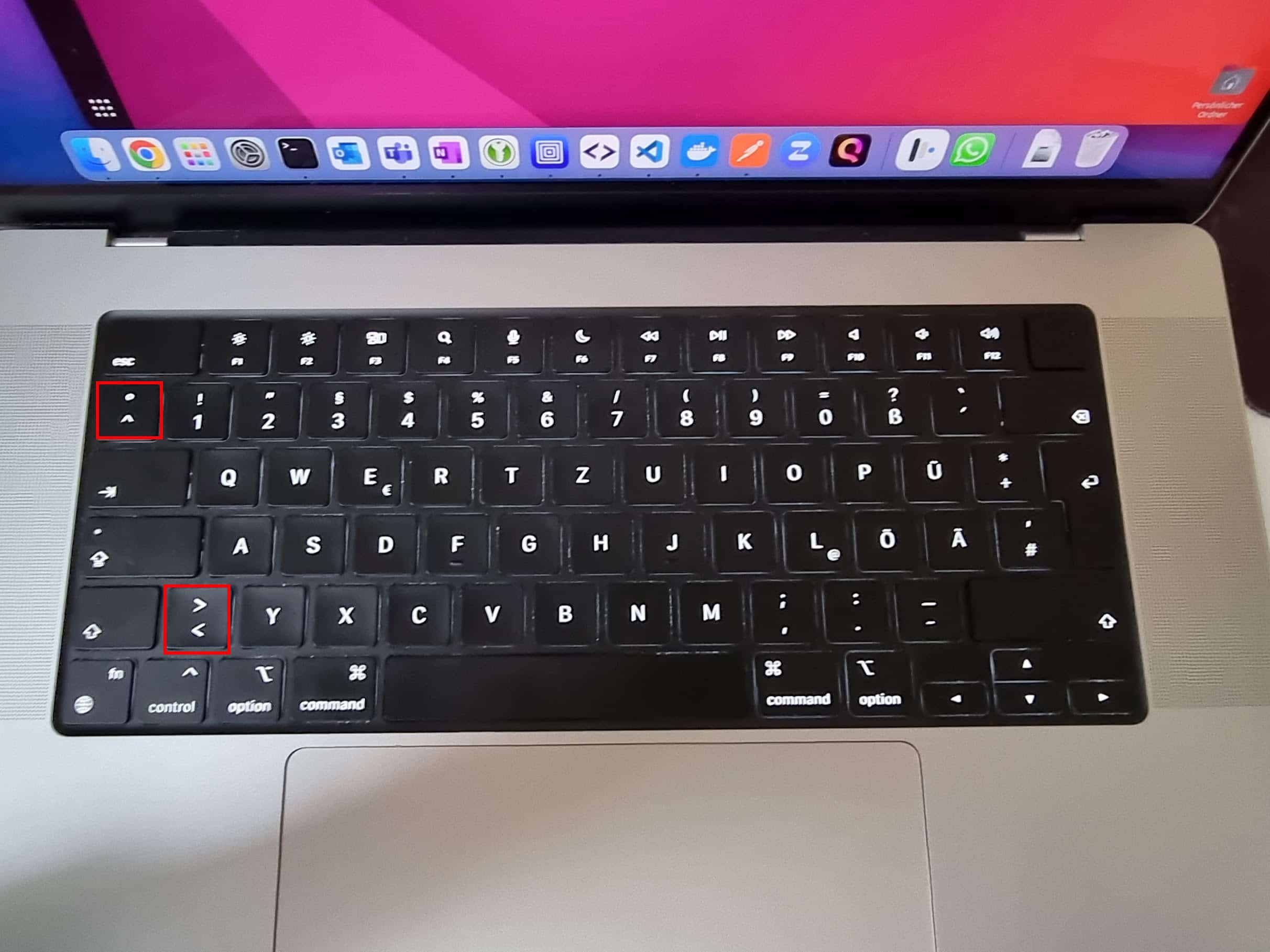
If you want to type a vertical bar using the Apple keyboard, you won’t find the character there. We’ll show you which keyboard shortcut to use to insert the vertical bar.
Mac: Here’s where to find the vertical bar on the Apple keyboard
The vertical bar is also known as a ‘pipe’ and is used to separate two words or different sections. You’ll also need it time and again when programming or using the Terminal.
- On macOS, hold down the [Alt] key at the bottom left and the [7] key at the top centre.
- The vertical bar will then be inserted at the desired position.
- Tip: You’ll also find a horizontal line on the [7] key. This will help you recognise the keyboard shortcut later on.