217
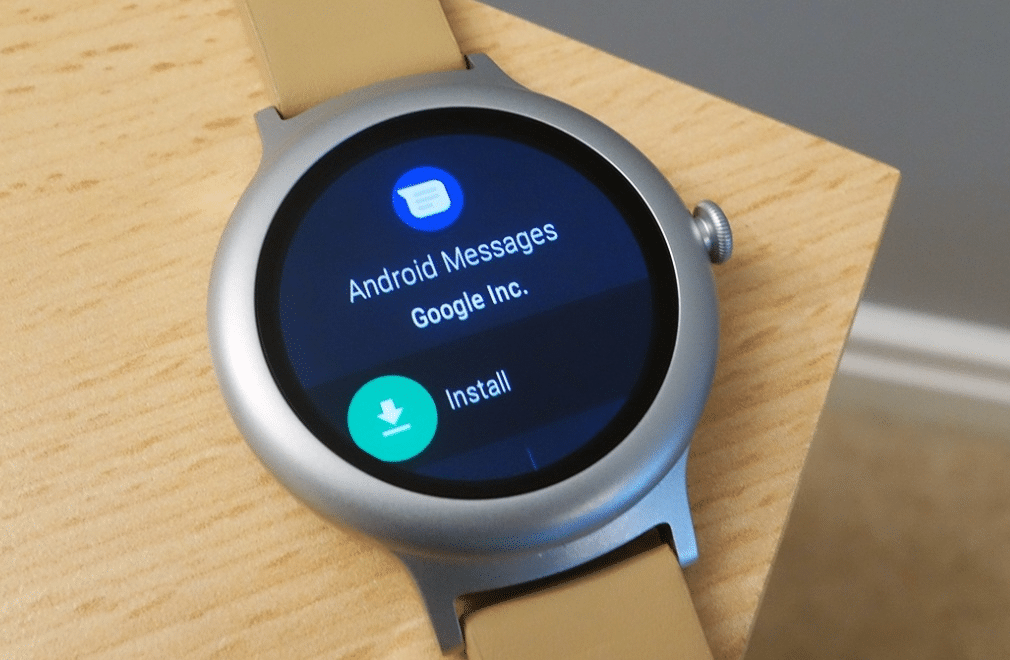
If you have a smartwatch running Android Wear, you can install several apps, depending on the storage capacity. We’ll show you how to do it step by step.
Android Wear: Installing apps on your smartwatch
- You can find all available apps in the smartwatch section of the Google Play Store or directly in the Android Wear app.
- Download the app you want and wait until it has been installed.
- If you can’t find the app straight away on your smartwatch, press the Home button and swipe left on the smartwatch.
- Some apps can be used simultaneously on your smartphone and smartwatch. When you launch the app on your smartphone, a notification will appear indicating that it can be used on your smartwatch at the same time.
- Tip: Many apps can also be launched using a voice command. You’ll usually find the command in the app description in the Play Store.

