3
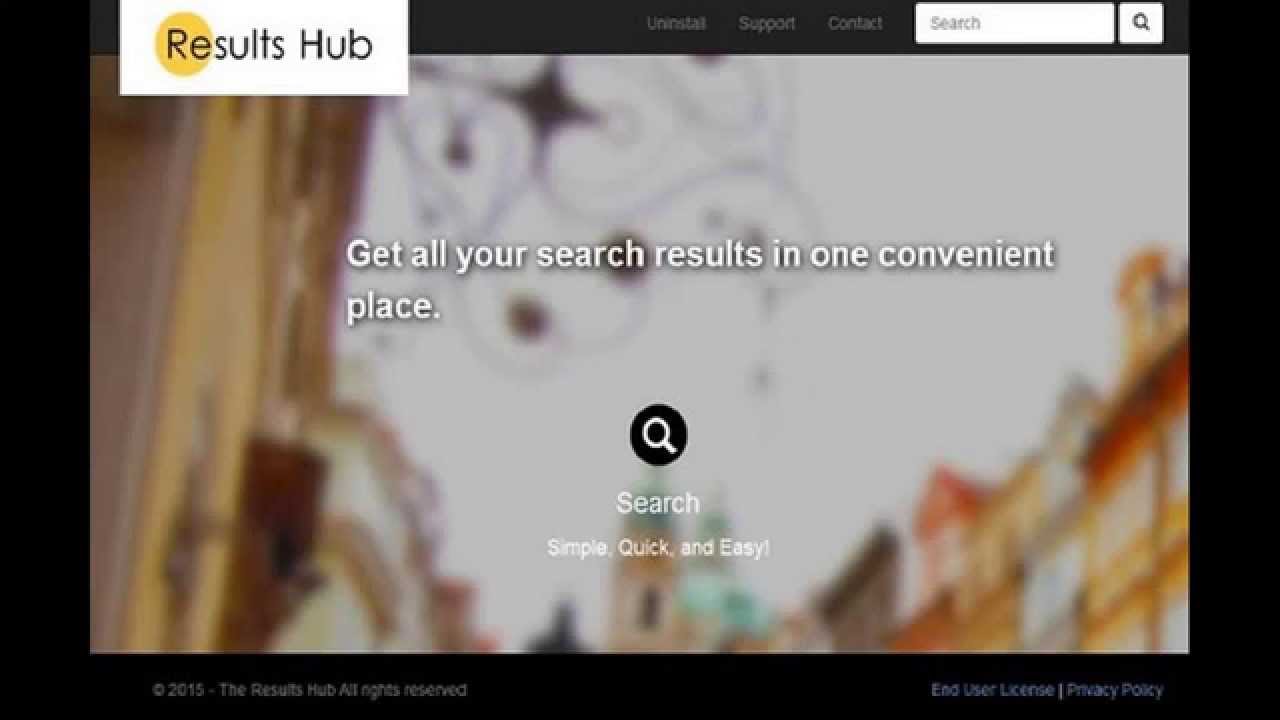
If you find the ‘Results Hub’ adware on your computer, it is easy to remove. We’ll show you step by step how to do this.
Step 1: Remove Results Hub from Windows
- Uninstall Results Hub: First, open the Control Panel and uninstall the “Results Hub” programme. Sort the list of installed programmes by installation date and, if necessary, remove any other unknown entries. You can find detailed instructions here.
- AdwCleaner: The free AdwCleaner scans your computer for any remaining traces of “Results Hub” and removes them. The scan takes around one minute, after which a restart is required.
- Clean up shortcuts: If your browser’s home page remains changed, you’ll need to take matters into your own hands. You’ll find suitable instructions for this here too.
- Malwarebytes Anti-Malware: If other malware has found its way onto your PC alongside “Results Hub”, you should use a separate virus scanner. The Malwarebytes tool is free and is considered extremely reliable.
Step 2: Remove Results Hub from your browser
If none of this helps, you’ll need to take more drastic measures and reset your browsers. Follow the instructions below for all installed programmes:
- Reset Google Chrome
- Reset Mozilla Firefox
- Reset Internet Explorer
- Reset Opera
- Reset Safari
