231
In areas with poor cell service or when traveling abroad without a data roaming connection, offline navigation can be a valuable tool.
Digital Offline Navigation
Many navigation apps offer the option to download maps for offline use. Here are some popular options:
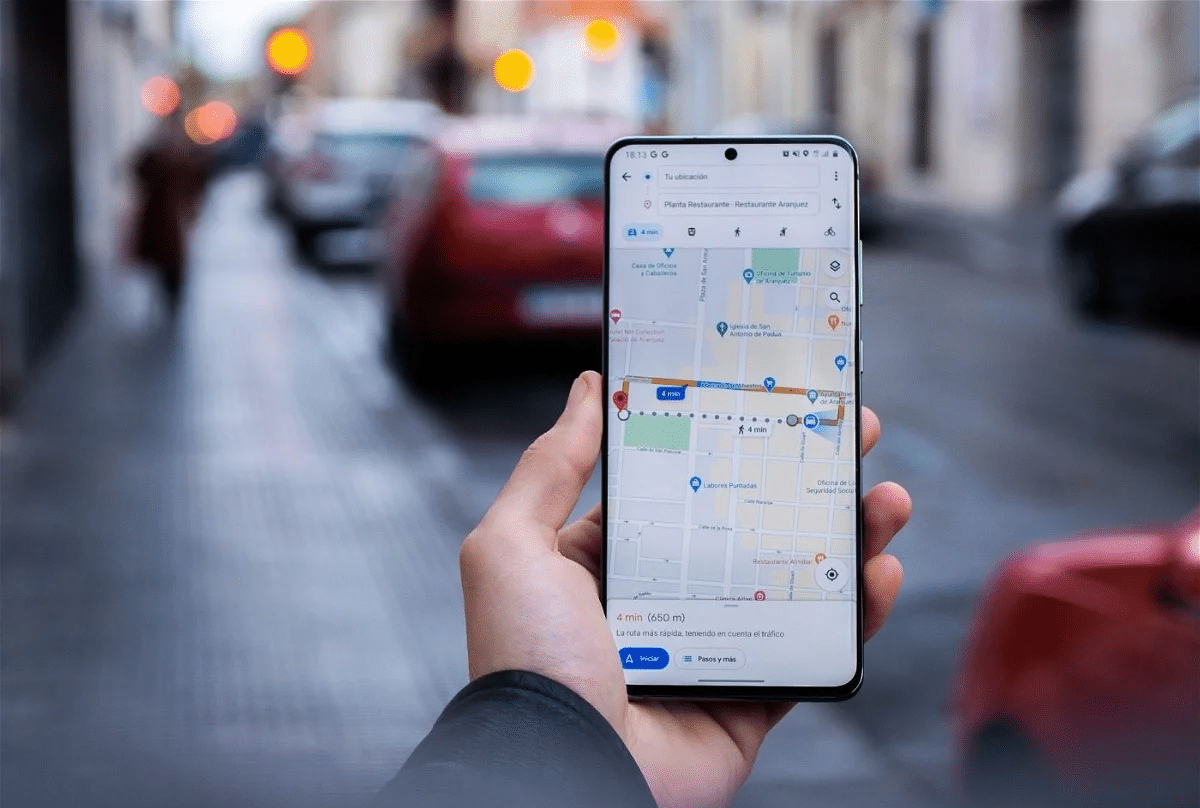
- Google Maps: This app allows you to download specific map areas and use them offline. Simply go to the menu and select “Offline Maps” to download and save maps.
- Maps.me: Maps.me is a free app that works entirely offline. Simply download the maps for your desired region before setting out.
- Here WeGo: This app offers detailed offline maps for numerous countries worldwide. Download maps of cities, regions, or entire countries.
What to do if you unexpectedly lose signal?
In addition to digital methods, it’s always a good idea to master analog navigation skills as well. You may find yourself in a situation where you unexpectedly lose signal. Here are some tips to help you navigate anyway:
- Use a compass: A compass can help you determine the cardinal directions and stay on course, especially in unfamiliar terrain. You can also download a compass app to your phone—it works even without signal or an internet connection.
- Stay calm & Avoid panicking: Stay calm and think clearly. Panic can cause you to get even more lost or make rash decisions.
- Retracing your steps: If possible, follow the path you came back until you reach a familiar point.
- Cardinal directions & landmarks: Use landmarks in the landscape to orient yourself. Use a compass or the sun to determine the cardinal directions and plan your route.
- Seek help: If you encounter other people, ask for directions or help. If you don’t, try to attract attention by shouting loudly or using visual signals (e.g., waving your clothes).
- Emergency contacts: Share your planned route and estimated arrival times with friends or family before you set out, so they’ll know where you might be in case of an emergency.

In these situations, you’ll need offline navigation
With traditional paper maps, you’re always prepared for any eventuality. Especially during outdoor activities far from city centers, you’ll often rely on (offline) navigation. But even in the city, a map can be very useful.
- Get yourself up-to-date paper maps of the city or region you’re visiting. These are especially useful if electronic devices fail or their batteries run out. On a city trip, a paper map also has real charm.
- Use apps such as Komoot, AllTrails, or BikeMap, which were developed specifically for cyclists & hikers and offer offline features. Get maps that show cycling and hiking trails as well as cycling routes in detail.
- If you frequently need to navigate offline because you’re often on the go, purchasing a GPS device may be a good idea. These devices offer precise navigation without an internet connection and are especially useful when hiking or biking in remote areas.