232
Many banks offer the photoTAN process for online banking, but many customers don’t know what it actually entails. In this practical tip, we explain what it is and exactly how the process works.
What exactly is photoTAN?
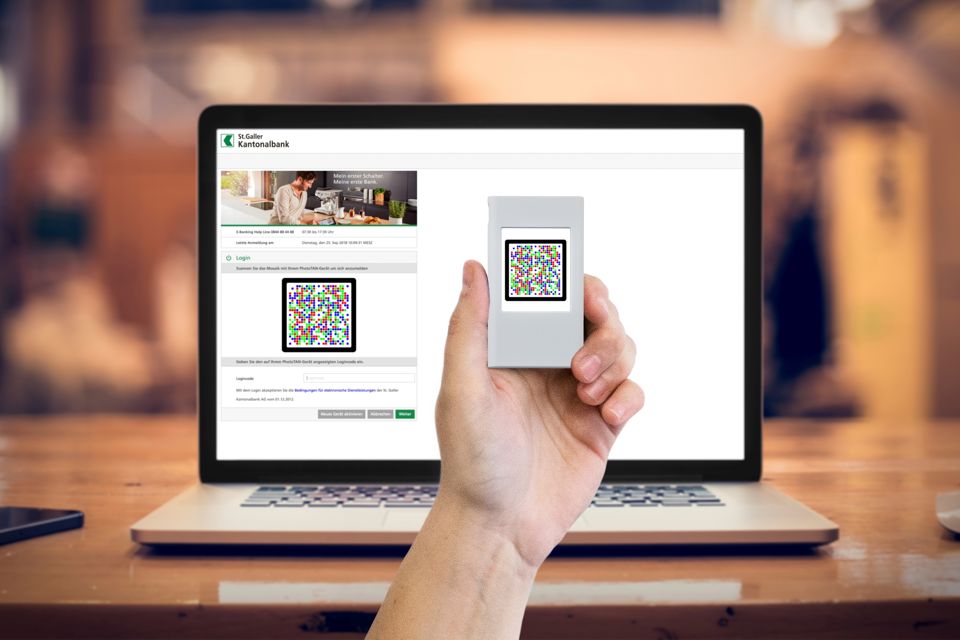
The photoTAN procedure is one of the most modern and secure methods for confirming online banking transactions. Instead of an SMS or additional hardware, a special color code is used, which you scan with an app or a reader.
- To use photoTAN, you need either the appropriate smartphone app from your bank or a special reader (if you do not own a smartphone).
- Once you have set up the app or reader and want to make a transfer on your computer, simply select photoTAN to generate the TAN.
- An image code will be displayed on your computer; this resembles a QR code. When you scan the image with your smartphone or reader, the TAN is generated.
- Then enter the generated TAN on your computer to authorize the transfer.
How secure is photoTAN?
With photoTAN, you use both your computer and your smartphone for your transfers. This distributes the risk across two devices, thereby minimizing it.
- Stiftung Warentest rated the security in its banking test as “high” and, when a reader is used, even as “very high.”
- However, there are also risks when using a smartphone: Cell phones can be easily hacked, allowing an attacker to take control of the respective banking app. This allows codes for other transfers to be generated.
- To eliminate this risk, use a card reader and always verify the data. In addition to the scan code, you will always find the transfer details listed. Be sure to check whether these still match the account information you entered.
How PhotoTAN works technically
Behind the colorful PhotoTAN mosaic lies a sophisticated encryption process.
- When you make a transaction via online banking, your bank generates a individually encrypted code that is displayed as a colored mosaic image. This mosaic contains the transaction data—such as the recipient, the amount, and the account number—in encrypted form.
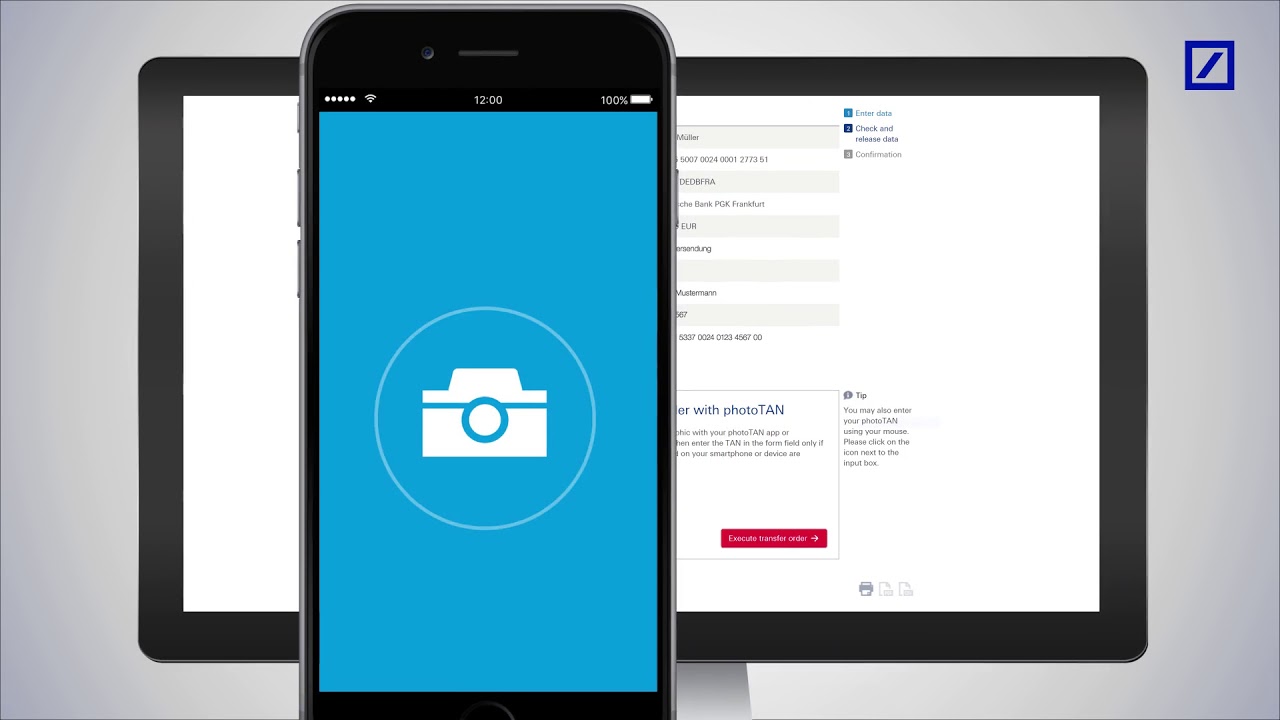
- The PhotoTAN app or a special reader scans this code using the camera and decrypts it locally on your device. Only after the app has successfully verified the transaction is a TAN (transaction number) generated, which you enter in online banking or confirm automatically.
- Since the code is valid for only a single transaction and the encryption is individually tailored to your app, PhotoTAN is considered particularly secure against phishing and malware attacks.