152
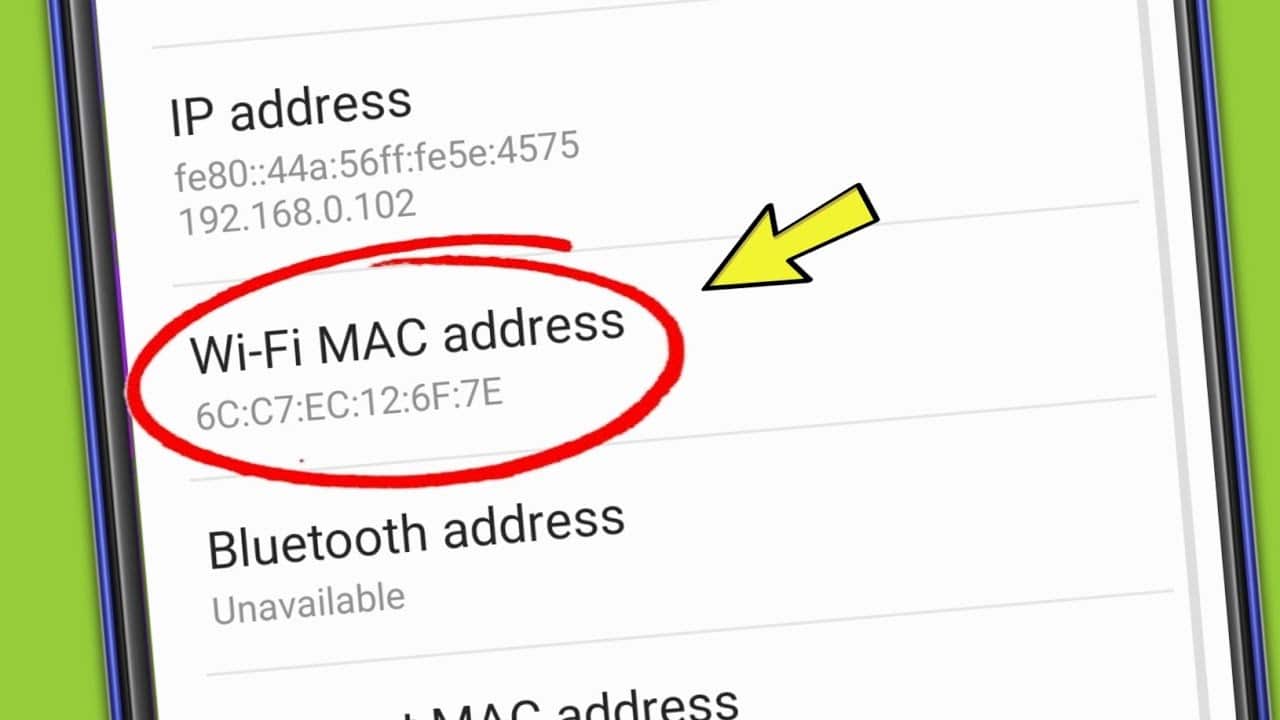
If, for example, you are using a MAC address filter on your Wi-Fi network, you will need to find the MAC address of your Android smartphone so that you can connect your mobile device. We’ll show you how.
Finding the MAC address of your Android smartphone
- First, open ‘Settings’ on your Android smartphone.
- Under the ‘System’ category, you’ll find the ‘About phone’ option.
- Next, tap “Status” to see an overview of all the key information about your smartphone.
- Around the middle of the screen, you’ll find the “Wi-Fi MAC address” entry.

