6
Before you can use a Devolo adapter, you’ll need to connect it. This device helps improve your router’s signal strength.
Connecting a Devolo – here’s what to do
If your internet speed is very slow or your router is too far away, a Devolo adapter can help. You’ll need to connect it first.
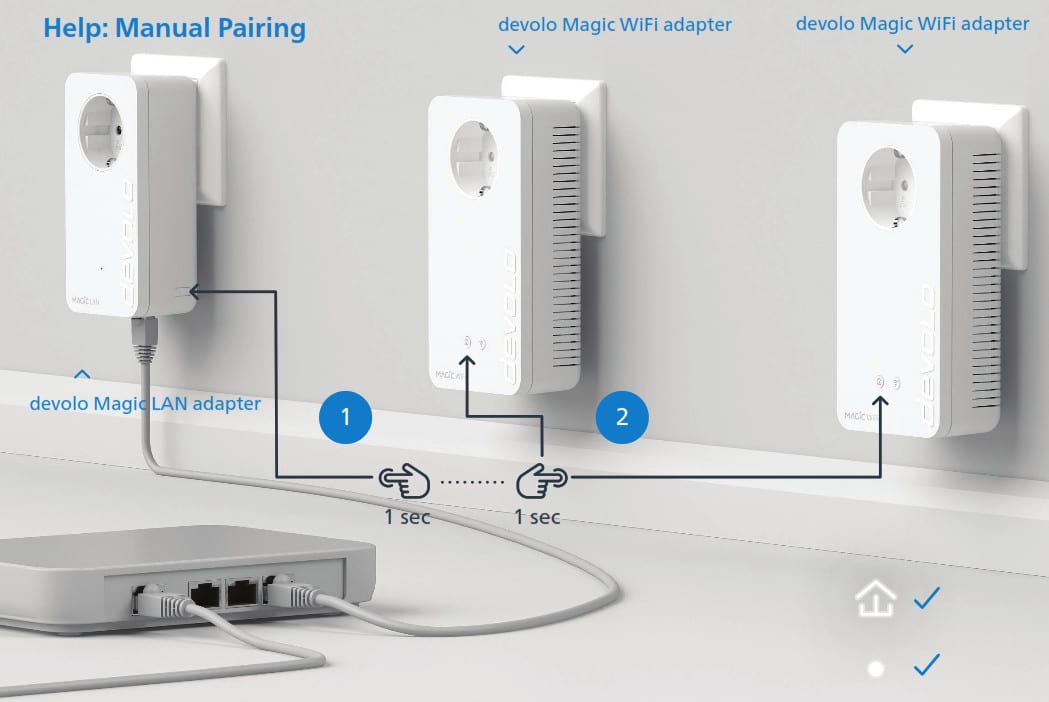
- First, plug the first Devolo adapter into a standard mains socket. An extension lead or a multi-socket power strip will not work here.
- Next, connect the Devolo plug to the router using a LAN cable.
- Now plug the second adapter into a socket in the same room and wait for about 45 seconds. The front light or the house icon should then start to flash.
- If your adapter has a house button, press and hold it briefly. If your adapter only has a front light, press the button on the right-hand side.
- The connection process will now begin. Once the connection is successful, the adapters will light up.
- You can now plug the adapter into any socket anywhere in the house.
Configuring Devolo adapters to form a single Wi-Fi network: Here’s how
To ensure a seamless transition in your internet connection, your Devolo adapters can mimic your Wi-Fi network. Follow these steps to complete the setup:
- First, plug the adapter into a socket near your Wi-Fi router.
- After about 45 seconds, press the house icon on the Devolo adapter.
- Then press the WPS button on your router.
- The Wi-Fi adapter will now copy your router’s network name and password.
- You can then plug the adapter back into any socket anywhere in the house and enjoy widespread internet coverage.
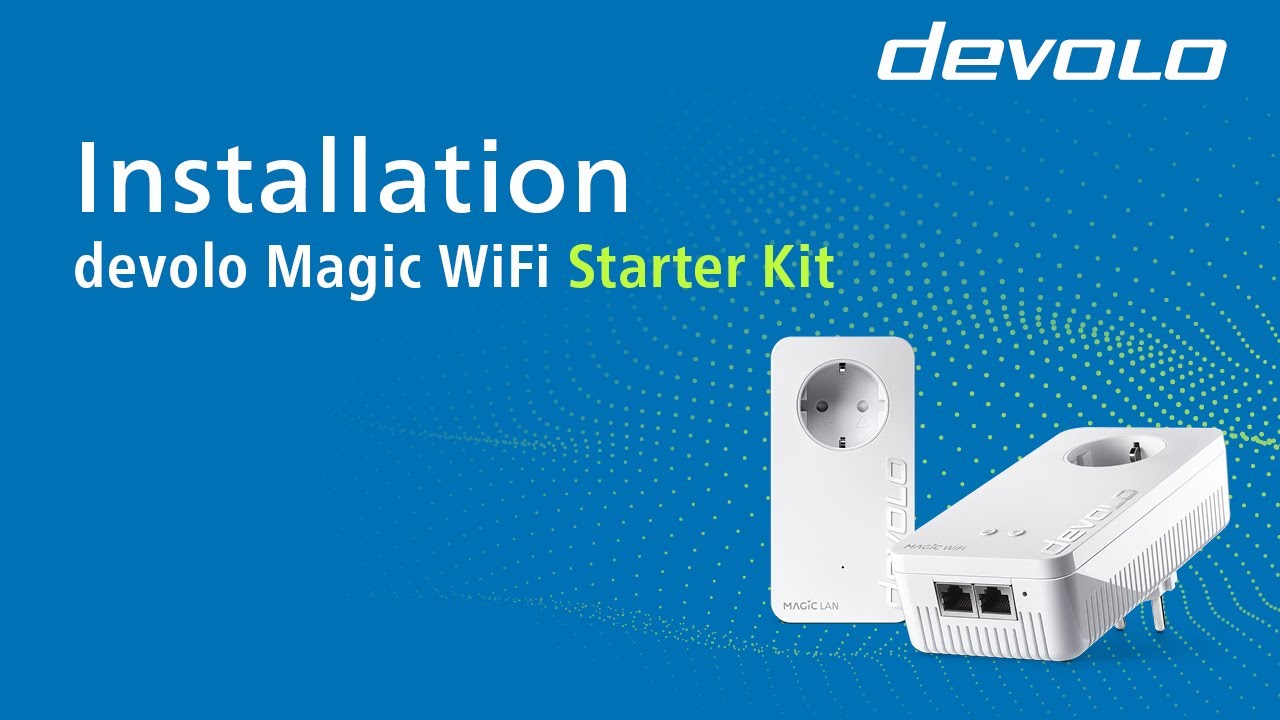
Resetting the Devolo adapter
If you’re having problems with your internet connection, it may help to reset the adapter to its factory settings. Resetting it usually resolves most issues.
- Take a paperclip and press it against the adapter’s reset button for at least ten seconds. You’ll find the button on the underside, in a small recess.
- Wait until the lights on the Devolo adapter stop flashing; the adapter has then been reset.
- You will now need to reconnect your adapter.
Configure the adapter using the Devolo Home Network app
If you have installed the Devolo Home Network app, you can also set up your devices using it.
- With the app for iOS and Android, you can automatically detect devices, check their status, change Wi-Fi settings and initiate firmware updates.
- Run a speed test in the app to check your home internet speed.
- Thanks to the intuitive interface and a digital assistant, you can set up your Devolo devices quickly and easily.
