417
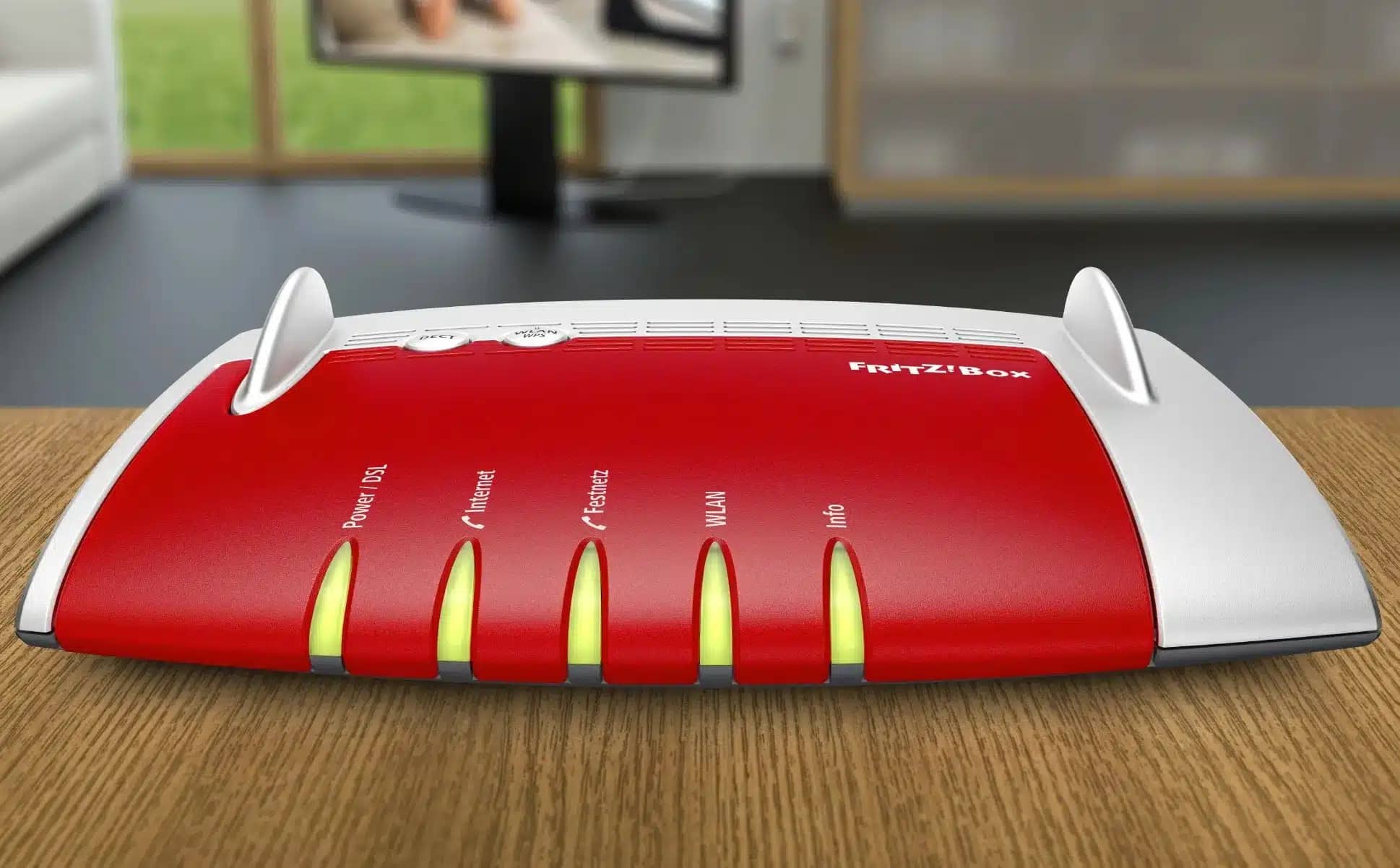
If you want to reset your Fritz!Box to its factory settings, you can do so via a web browser or by phone. There is no reset button.
Reset: Resetting the Fritz!Box via a Web Browser
- Open the user interface by entering the IP address of your Fritz!Box into your browser’s address bar. Then log in with your password. Alternatively, enter http://fritz.box followed by your user password. You can find this on the sticker on the Fritz!Box.
- Select “System” from the menu on the left. Under this, you will find the ‘Backup’ option.
- Click the “Factory Settings” tab at the top and click the “Load Factory Settings” button.
- Confirm the subsequent security prompt; the Fritz!Box will restart and will be unavailable for at least one minute. After that, you can access the user interface again via your browser .

Fritz!Box: Reset via Phone
The same applies here: If you reset the Fritz!Box to its factory settings, all stored data will be lost.
- Set your phone connected to the Fritz!Box so that it supports the tone dialing method . You can tell if this is the case by pressing a key during a call and hearing a tone on the other end of the line. This is already the case with most phones.
- As soon as you hear the dial tone, enter the following numbers and characters into the phone one after the other: #991*15901590*
- If you hang up after three seconds, the Fritz!Box will restart. It will be ready for use again in about a minute.