4
If you want to use your iPhone as a modem, all you need to do is set up a mobile hotspot. You can do this very easily in just a few steps.
Getting started: Using your iPhone as a modem
- Open the “Settings” app and select the “Personal Hotspot” category. Alternatively, go to “Settings” > “Mobile Data” > “Personal Hotspot”.
- Here, enable the “Personal Hotspot” option or “Allow Others to Join”. If you wish, you can also change the Wi-Fi password for the connection here.
- You can now establish a connection between your computer and your iPhone via Wi-Fi, Bluetooth or USB.
Using your iPhone as a modem: here are the options
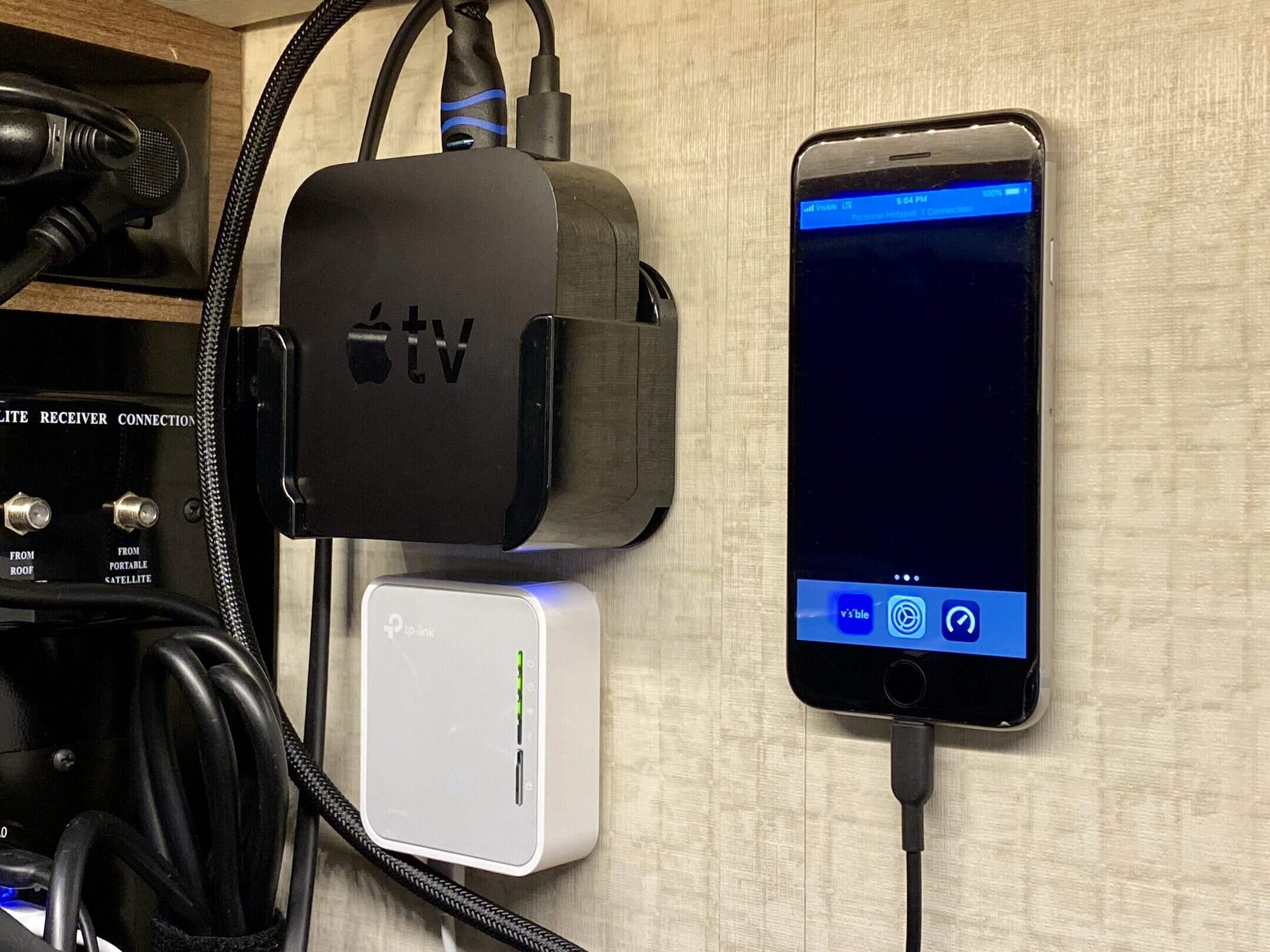
Once you have set up the connection correctly, a blue bar will appear at the top of the iPhone’s screen. This indicates that the connection is active.
- Wi-Fi: The easiest way is via Wi-Fi. Once you’ve enabled the Wi-Fi connection on both your iPhone and your computer, you can connect to your iPhone instead of your router. To do this, tap ‘Settings’ > ‘Personal Hotspot’ or ‘Settings’ > ‘Mobile Data’ > ‘Personal Hotspot’.
- USB: If you connect the iPhone to your computer via a USB cable, it will appear directly as a network device. It is important that you have either Finder or the latest version of iTunes installed on your Mac.
- Bluetooth: You can also transfer files via Bluetooth. To do this, simply pair the two devices. To do this, click on ‘Settings’ > ‘Bluetooth’ and then follow the instructions on your Mac.

Wi-Fi password: How to change or set it
When setting up a Personal Hotspot, you can set a Wi-Fi password or change the existing one.
- If you want to change the Wi-Fi password, go to ‘Settings’ and then ‘Cellular’ (iPhone) or ‘Mobile Data’ (iPad) > ‘Personal Hotspot’. Alternatively, go to ‘Settings’ > ‘Personal Hotspot’. Then tap the Wi-Fi password.
- The new password should consist of at least eight ASCII characters. You should therefore avoid using Japanese, Cyrillic and Chinese characters, as well as characters from other languages.
- ASCII characters, on the other hand, include all upper- and lower-case letters of the German alphabet – with the exception of ß and umlauts. The numbers 0 to 9 and some common punctuation marks such as ! or & are also included.