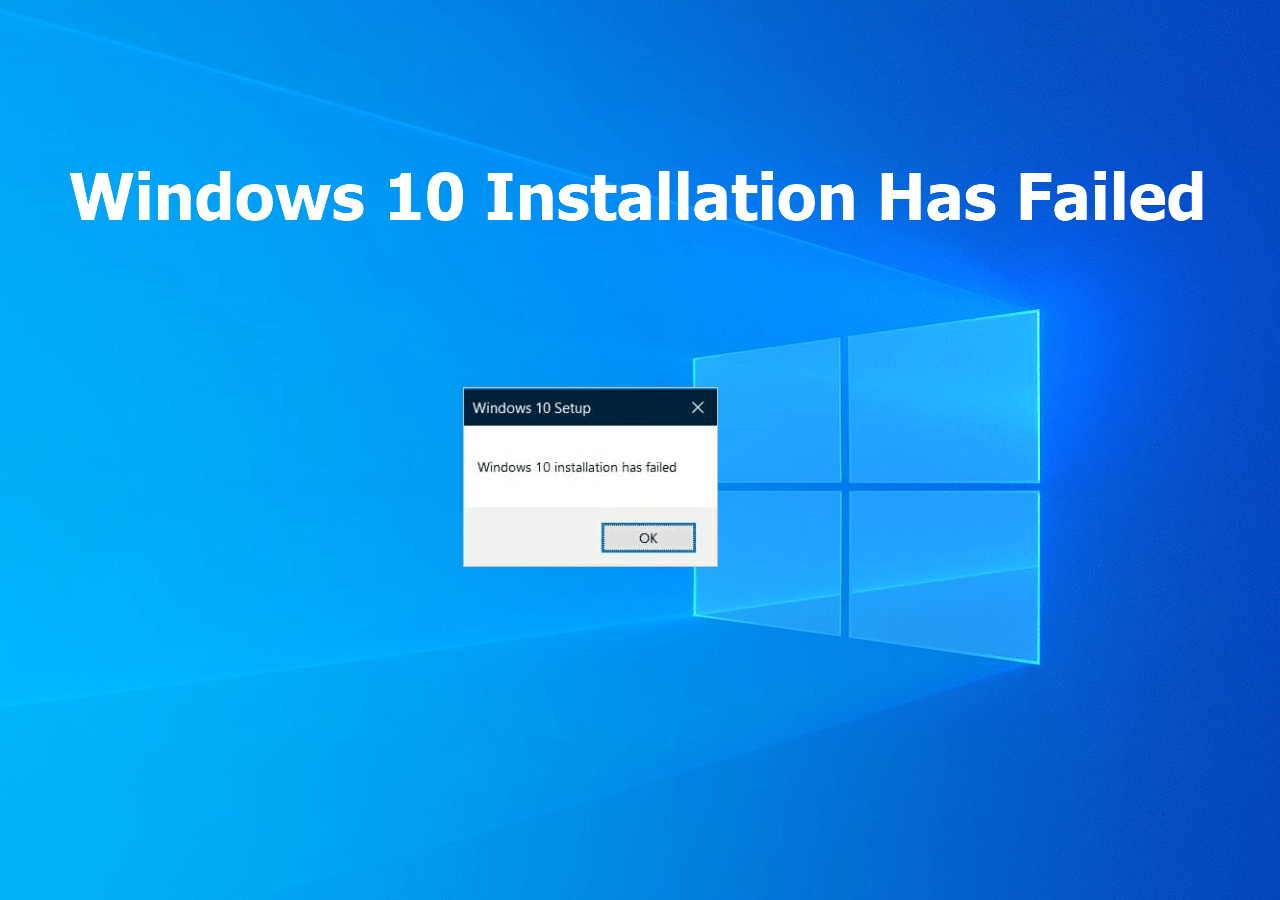
Causes of the error and how to fix it
As the text of the error message “Windows cannot access the installation sources” suggests, this indicates that the installer cannot access certain files required to continue the process. However, the cause isn’t always the installation source (USB drive); two scenarios occur with roughly equal frequency:
- Issues with the storage device containing the Windows installer, the files on it, its connection, or data exchange with it.
- Issues with the storage device where Windows 11/10 is being installed, its functionality, connection, or power supply.
Accordingly, to fix the error, you need to check both possibilities using the process of elimination and eliminate the factors preventing the installation from continuing.
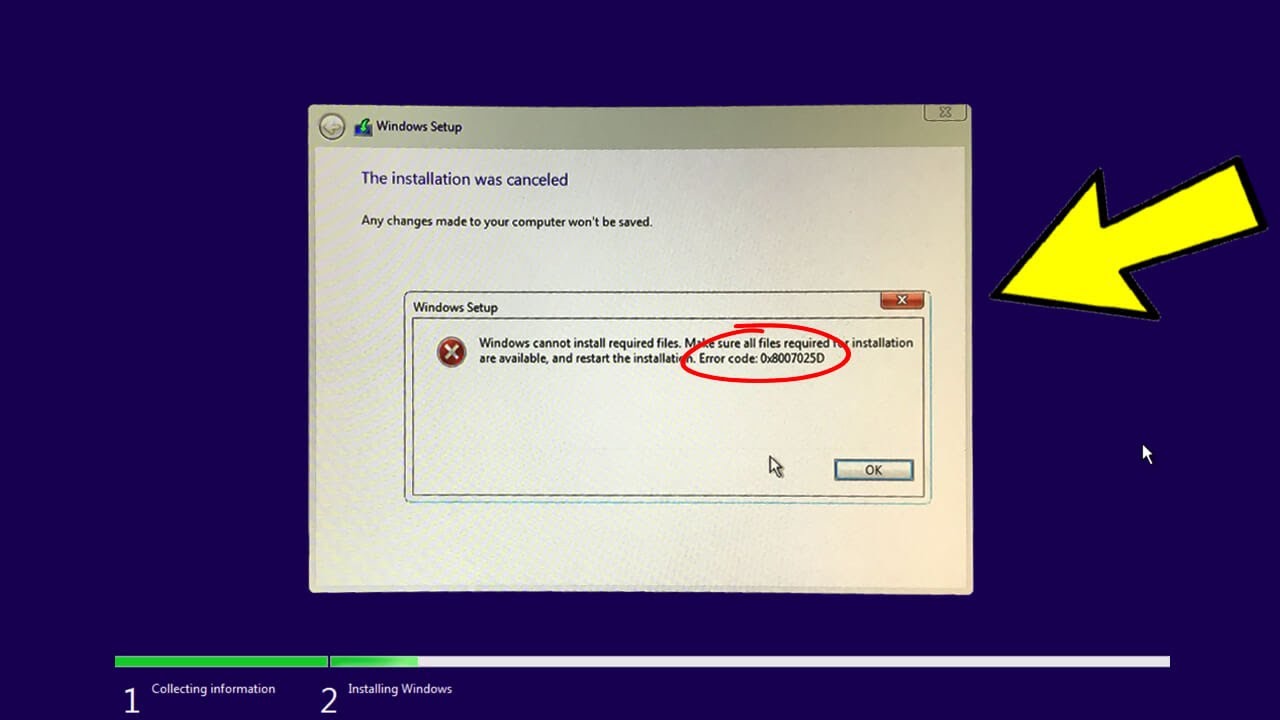
Specific steps to take:
- Restart the Windows installation by connecting the USB flash drive to a different port—preferably a 2.0 port (usually black)—and connect it directly to the motherboard port, rather than through a hub or the PC’s front panel.
- Re-create the bootable USB drive; ideally, use a different drive (especially if it was purchased on a marketplace at a surprisingly low price) and the original ISO image. You can also try using an alternative program to create the installation drive: Rufus instead of Ventoy or the Media Creation Tool—or vice versa.
- If you’re installing on a SATA drive, replace the cable with a new one.
- Check the SMART data for your SSD or hard drive; you can do this without installing an OS by booting into WinPE, which includes CrystalDiskInfo or Victoria. Pay special attention to the UltraDMA CRC Error Count parameter (index 199/0xC7).
- If you suspect power supply issues (unusual behavior when turning the PC on or off, sudden shutdowns), you can try reducing the load on the power supply by disconnecting non-essential drives
(I recommend taking this step even if you are completely confident in your power supply) and devices (including a discrete graphics card, if you have one instead of an integrated one), and if this helps—seriously consider replacing the power supply.