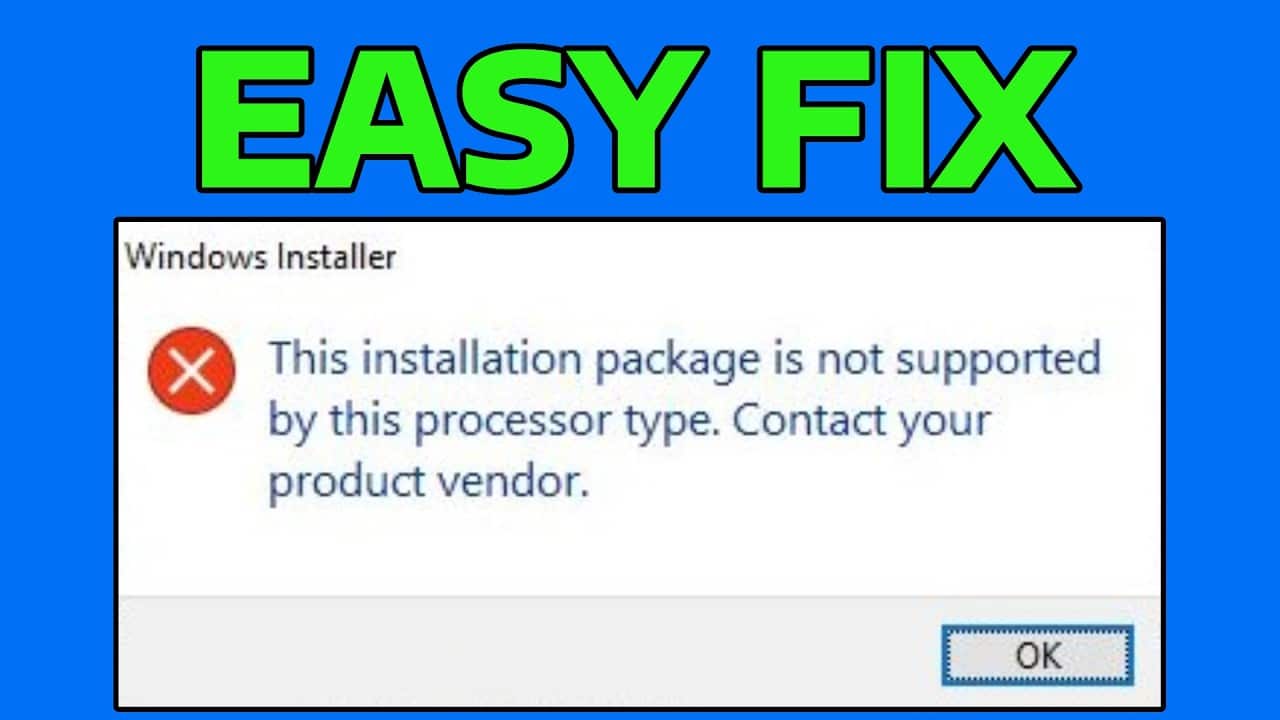
When running an .MSI installer in Windows 11/10, users may receive the error message: “This installation package is not supported by this processor type. Contact your product vendor for assistance.”
Target architecture mismatch and other causes of the error
In nearly 100% of cases, the error “This installation package is not supported by this type of processor” means that you are trying to run an installer package intended for a different processor architecture (bitness) and/or operating system. Most often, this happens as follows:
- A user needs to install something (an OS component, a program) and finds a page on the Internet to download the corresponding installer.
- They see something like program_arm64.msi in the list of files to download, notice only the “64” since their system is x64, download the file, and receive an error message.
ARM64 and x64 (which may be referred to as AMD64) are not the same thing, and the vast majority of users running current versions of Windows 11/10 need to download the x64 version.
When installing MSI packages, the Windows installer checks its properties, which specify, among other things, the target platform:
- Intel;1033 — for x86 (can be run on x86, x64, and ARM64 with emulation)
- x64; 1033 — for x64 (can run on x64 and ARM64 with emulation)
- ARM64;1033 — for ARM64 (can run on ARM64)

Incompatibility—or, more precisely, the inability to run executable files for the target architecture on the current platform—results in the error “This installation package is not supported by this processor type.”
This leads to a solution that works in most cases for this error: download the installer package specifically for your processor architecture and Windows bitness, which you can check in Settings > System > About:
Other, less common causes of the same error:
- The MSI package is corrupted during download or on the disk. Solution: Try downloading and reinstalling it.
- Checks performed by the installer, such as verifying support for the processor instructions required for operation. Check the minimum system requirements for the package you are installing.
- Use of “exotic” versions of Windows 11/10 or overly “optimized” builds. However, the error message is usually different in this case.