
155
If you want to insert a phone icon into a Word document, you have several icons to choose from. We’ll show you where to find the phone icon.
Word: Insert a Phone Icon into a Document
In Word’s symbol feature, you have a total of four different phone symbols to choose from.
- Go to the “Insert” tab at the top of the menu bar and click “Symbols” on the right. Under “More Symbols,” you’ll find an overview of all symbols.
- At the top, change the font to “Wingdings” or “Wingdings 2.” For each font, you’ll find two phone icons in the first row—four in total.
- Click the “Insert” button to place the phone icon in your Word document.
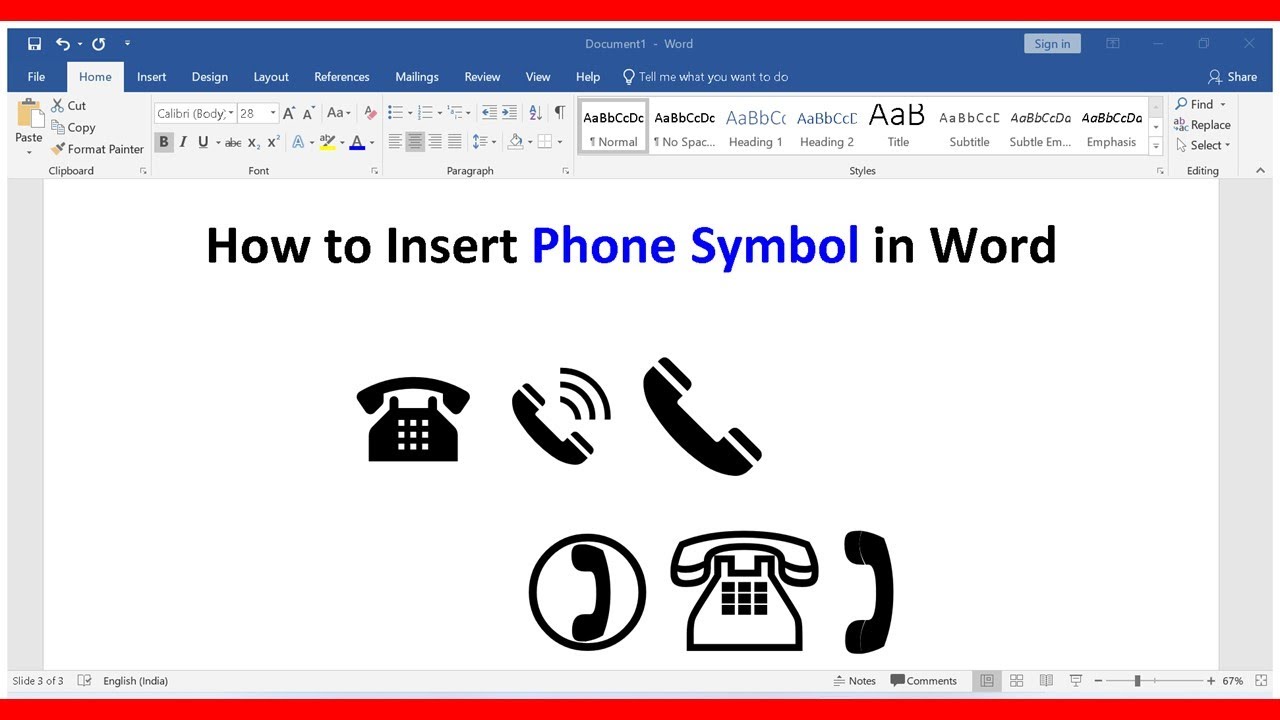
Inserting Phone Symbols Using Unicode
- For the black phone (☎), use the Unicode U+260E.
- You can create the white telephone (☏) using the Unicode U+260F.
- For the telephone receiver (✆), enter U+2706.