118
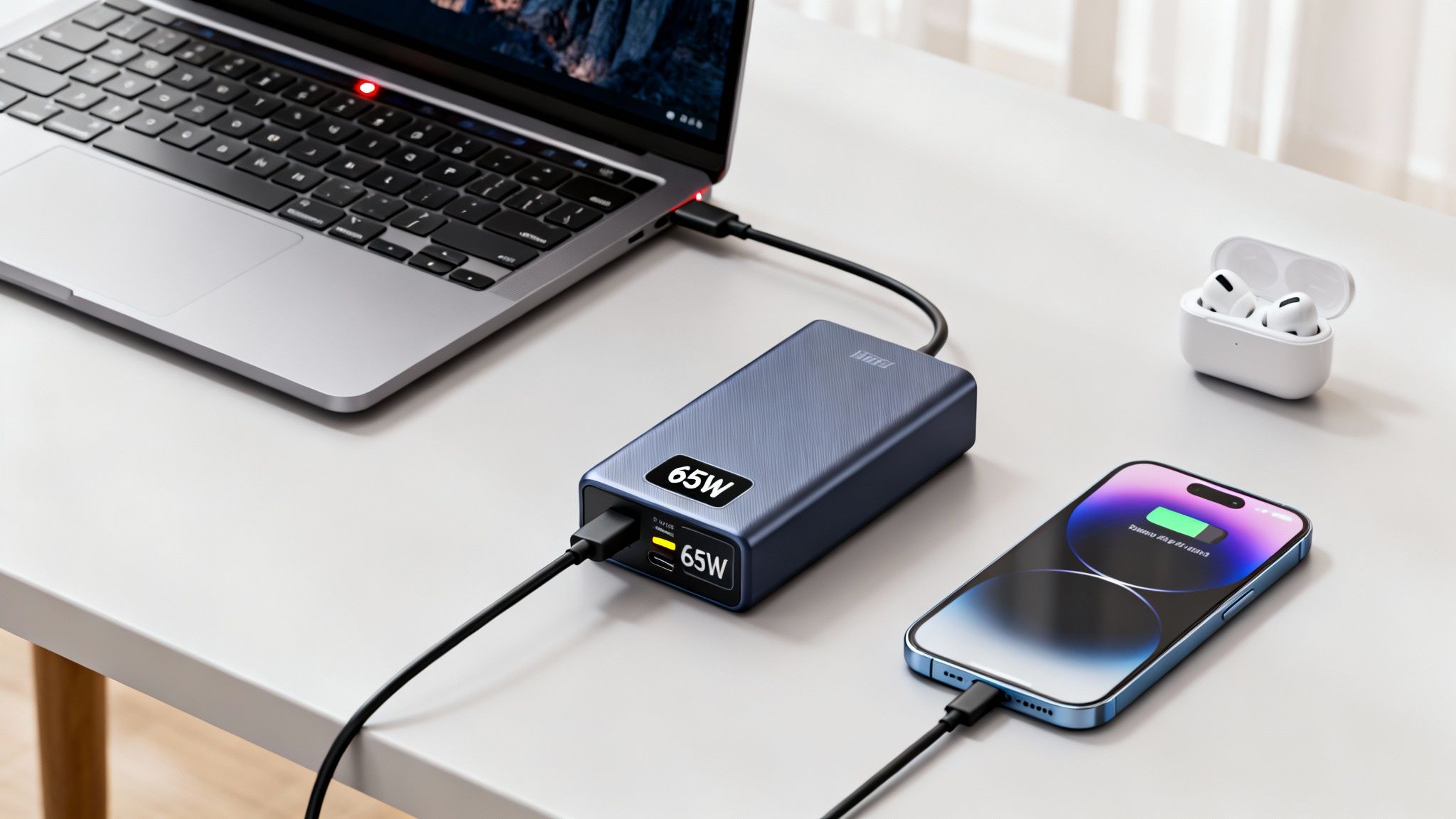
Being able to charge your laptop battery with a power bank gives you significantly more independence when you’re on the go. A power bank can be a useful purchase, especially if you work a lot on your laptop and access to the nearest power source isn’t always guaranteed. In this article, you’ll learn what you need to keep in mind.
Charging Your Laptop Battery with a Power Bank
Whether you’re out in nature, on a train, or in a lecture hall: When your laptop battery suddenly dies in the middle of your work, it’s more than just annoying. In that case, a power bank can be a lifesaver.
- Power banks have become relatively light and compact, making them easy to carry. However, due to their significantly higher capacity, a laptop power bank typically weighs between 500 grams and 1.5 kilograms and is about 20 centimeters long.
- A high-performance power bank has a capacity of over 50,000 milliampere-hours. Its power output is thus approximately 190 watts. The capacity varies, of course, depending on the model, and you should expect to pay around 150 euros.
- Product Recommendations: The XTPower power bank offers up to 50,000 mAh of charging capacity, which is enough to charge a standard netbook about five times. The Energizer XP weighs just 516 grams yet still delivers a respectable 18,000 mAh. The Beltrona power bank offers excellent value for the money: For 100 euros, you get a 600-gram charging station with 21,600 mAh.
- Check your laptop’s manual or refer to the specifications on the power adapter to determine its power requirements. If your power adapter only lists voltage and current, multiply the two values.
- Important: To connect the power bank to your laptop, the external battery must have a DC output that is compatible with your laptop. However, many power banks come with various adapters, so they cover most common laptops. Additionally, the power bank’s output voltage must be suitable for your laptop. Many netbooks are powered by 19V, but some also use 20V or 15V—you can check this in the manual or on the power adapter.
- A good external battery also features overcharge and over-discharge protection as well as short-circuit protection. You should also make sure your new power bank has a battery level indicator.
- The actual charging process is ultimately very simple: You simply connect your laptop to the power bank using the appropriate adapter, after adjusting the voltage setting on the power bank if necessary. Your laptop will then begin charging—usually about as fast as from a standard outlet, though sometimes slightly slower.