615
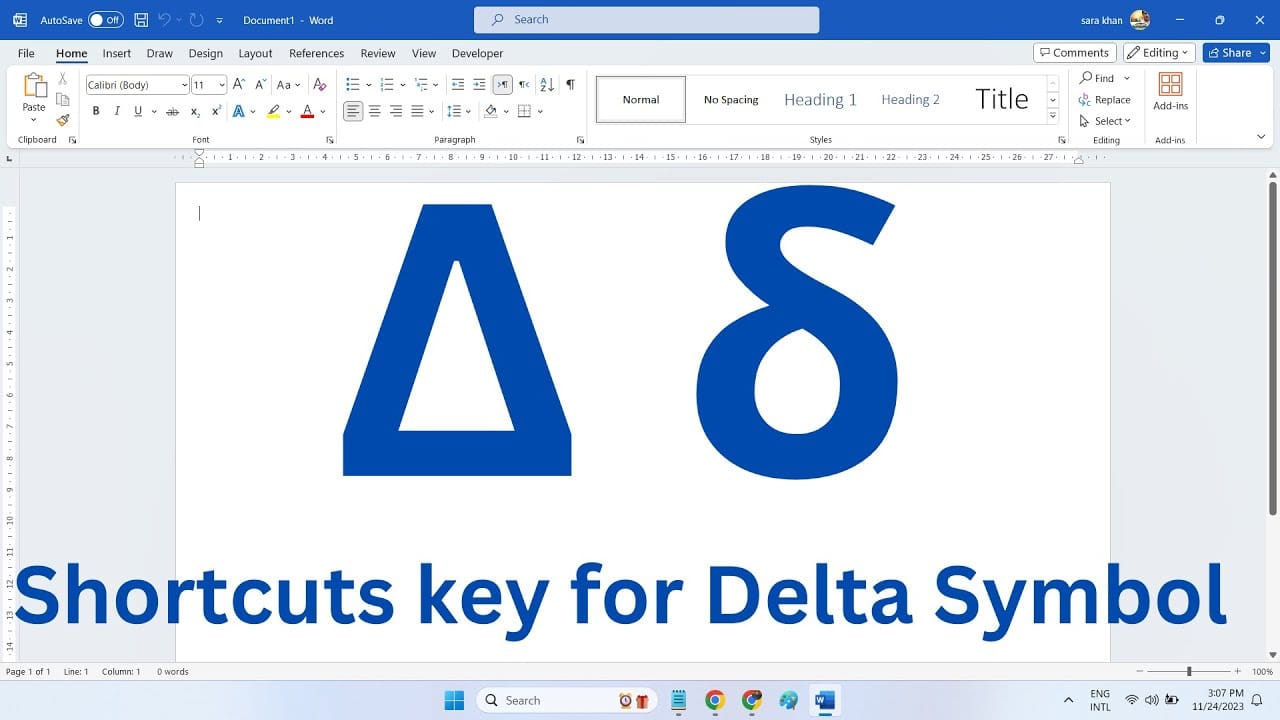
In Word, you can use the delta symbol for Greek text, as a difference symbol, or as the Laplace operator, among other things. There are several ways to find it.
How to Type the Delta Symbol in Word
In Microsoft Word, you can type the delta symbol in several ways. Here are the options for inserting the delta symbol in Word:
- If you have a Windows PC, hold down [Alt] and type [9] [1] [6] on the numeric keypad. If you’re using a Mac, you can press [Option] + [K] to get the delta symbol. This also works in many Office applications and with different fonts.
- Alternatively, you can simply copy the delta symbol from this tip and paste it into Word. This also works in Notepad, WordPad, and other Office applications: ∆
- You can also type “2206” as text and then press the [Alt] + [c] key combination on your keyboard. This will also give you the delta symbol. This tip is exclusive to MS Word.